Your CIBIL score is one of the most important numbers in your financial life. Whether you want to take a home loan, personal loan, or a new credit card, banks and NBFCs check your CIBIL score first. A score above 750 almost guarantees approval at lower interest rates - while a score below 650 can lead to rejection or higher rates.
How to Check Your CIBIL Score for Free in India - Complete Step-by-Step Guide
Your CIBIL score is one of the most important numbers in your financial life. Whether you want to take a home loan, personal loan, or a new credit card, banks and NBFCs check your CIBIL score first. A score above 750 almost guarantees appro...
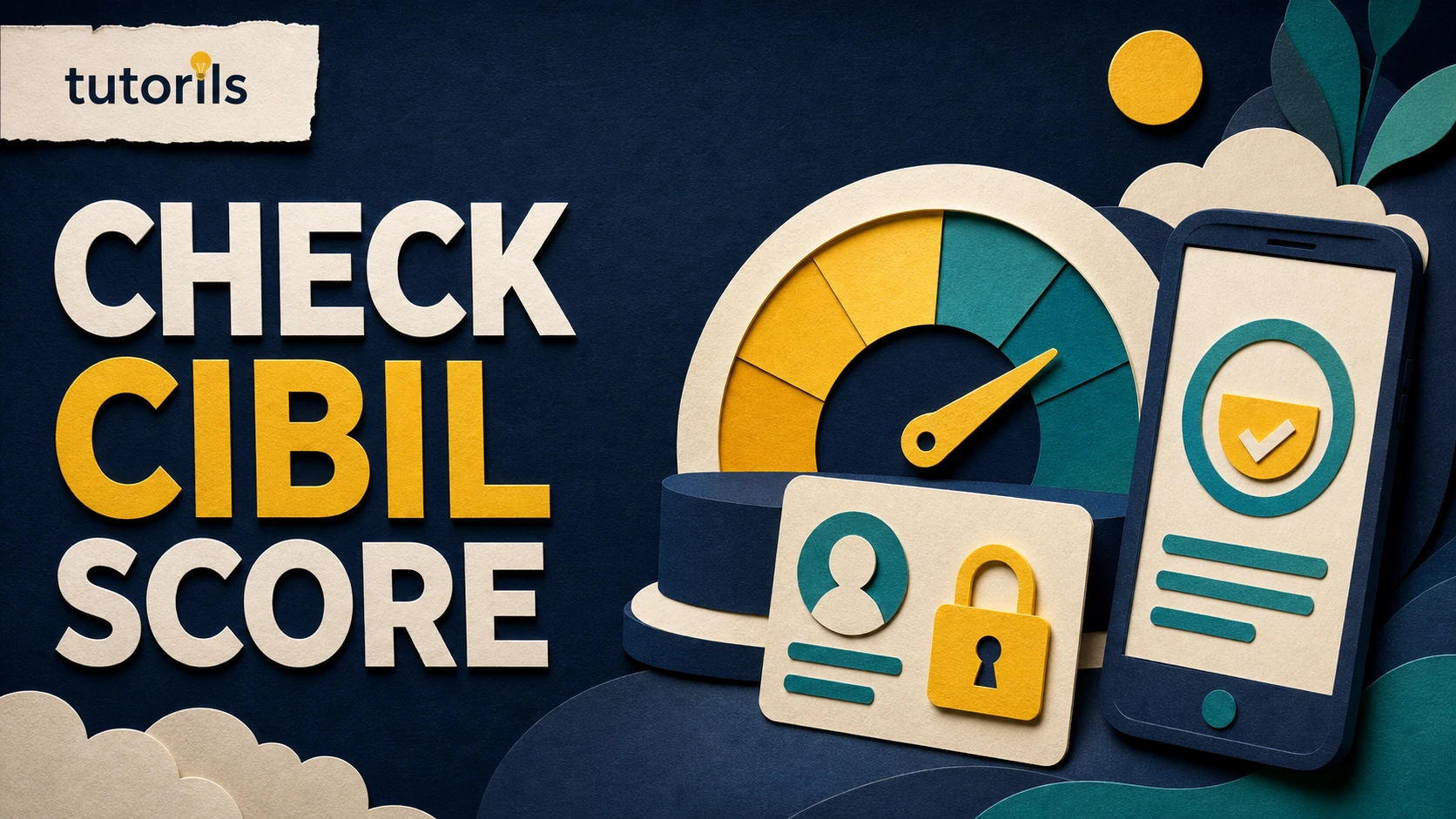
Realistic guide image for this Tutorils tutorial.The good news? You can check your CIBIL score absolutely free, and you don't need to pay ₹550 to TransUnion CIBIL every time. In this complete guide, we'll show you exactly how to check your CIBIL score for free using multiple trusted platforms, understand what your score means, and how to improve it quickly.
Whether you're applying for a loan next month or just keeping tabs on your financial health, this guide covers everything you need to know.
What is a CIBIL Score?
A CIBIL score (also called a credit score) is a 3-digit number ranging from 300 to 900 that represents your creditworthiness. It is calculated by TransUnion CIBIL - India's oldest and most trusted credit bureau - based on your credit history, repayment behavior, credit mix, and more.
Lenders use this score to decide whether to approve or reject your loan/credit card application and at what interest rate. The higher your score, the more trustworthy you appear to lenders.
Score RangeRatingLoan Approval Chances750 - 900ExcellentVery High - Best rates700 - 749GoodHigh - Favorable terms650 - 699FairModerate - May need collateral550 - 649PoorLow - High interest or rejection300 - 549Very PoorVery Low - Usually rejectedIndia has 4 licensed credit bureaus: TransUnion CIBIL, CRIF High Mark, Equifax, and Experian. CIBIL is the most widely used and referred to by most banks and NBFCs.
Why Should You Check Your CIBIL Score Regularly?
Many Indians make the mistake of checking their score only when applying for a loan - by which time it may be too late to fix any issues. Here's why regular monitoring matters:
- Before Loan/Credit Card Applications: Know where you stand before you apply. If your score is low, you have time to improve it.
- Detect Errors or Fraud: Credit reports sometimes contain incorrect information - wrong accounts, duplicate entries, or even fraud accounts opened in your name.
- Track Your Progress: If you're actively working to improve your score, monthly monitoring helps you see the impact of your actions.
- Better Negotiation Power: Knowing your score helps you negotiate better interest rates with lenders.
- Financial Discipline: Regular checks create accountability and encourage responsible credit behavior.
According to RBI guidelines, you are entitled to one free credit report per year from each credit bureau. But multiple platforms let you check it more frequently at no cost.
How to Check Your CIBIL Score for Free - Step by Step
Here are the best ways to check your CIBIL score for free in India. We'll cover 5 methods - pick the one that works best for you.
Method 1: Official CIBIL Website (myscore.cibil.com) - Free Annual Report
The official way. Under RBI guidelines, you get one free CIBIL score and report per year at myscore.cibil.com. Here's exactly how:
- Visit myscore.cibil.com in your browser.
- Click on "Get Your Free Credit Score".
- Fill in your personal details: Full name, Date of birth, PAN number, Address.
- Click Continue and verify your identity via OTP on your registered mobile number.
- Answer 2 - 3 identity verification questions based on your credit history.
- Your CIBIL score and full report will be displayed on screen.
- Download the PDF report for your records.
Important: The free report is available once a year. After that, CIBIL charges ₹550 for additional reports. Use the third-party platforms below for monthly free checks.
Method 2: Paisabazaar - Unlimited Free Checks
Paisabazaar.com is one of India's most popular financial comparison platforms and allows unlimited free CIBIL score checks.
- Go to paisabazaar.com/cibil-score/.
- Enter your mobile number and verify via OTP.
- Fill in your PAN number and date of birth.
- Your credit score will appear instantly.
- You can also see a detailed credit report summary.
Method 3: BankBazaar - Free Monthly Score
BankBazaar offers a free credit score check powered by Experian (another credit bureau). While it's not technically CIBIL, Experian scores are equally accepted by most Indian banks.
- Visit bankbazaar.com/cibil-score.html.
- Register with your email and mobile number.
- Enter your PAN and personal details.
- Get your free credit score instantly - refreshed every 30 days.
Method 4: CRED App - Instant Free Score
If you already use the CRED app (popular for credit card bill payments), you can check your free credit score in seconds:
- Open the CRED app on your phone.
- Go to the Credit Score section in the bottom menu.
- Your latest score is displayed automatically - updated regularly.
- Tap for a detailed breakdown of factors affecting your score.
Method 5: Paytm App
- Open the Paytm app.
- Search for "Credit Score" or "CIBIL Score" in the search bar.
- Enter your PAN card number and verify.
- Your free CIBIL score will appear within seconds.
Your CIBIL score - the key to unlocking better loans in IndiaWhat is a Good CIBIL Score in India?
A score of 750 or above is considered excellent by Indian banks and NBFCs. Here's a detailed breakdown of how lenders interpret different CIBIL score ranges:
Score RangeCategoryLoan ApprovalInterest Rate800 - 900ExceptionalAlmost guaranteedLowest possible750 - 799ExcellentVery highVery favorable700 - 749GoodHighCompetitive650 - 699AverageModerateSlightly higher600 - 649Below AverageLowSignificantly higher300 - 599PoorVery Low / RejectedN/AFor home loans, most banks require a minimum CIBIL score of 700 - 750. For personal loans, some NBFCs may approve at 650+, but at higher interest rates. Premium credit cards typically require 750+.
How to Improve Your CIBIL Score Fast
If your score is below 700, don't panic - it's fixable. Here are the most effective strategies to boost your CIBIL score:
1. Pay All EMIs and Credit Card Bills on Time
Payment history is the single biggest factor in your CIBIL score - accounting for about 35% of your score. Set up auto-pay or reminders so you never miss a due date. Even one missed payment can drop your score by 50 - 100 points.
2. Keep Credit Utilization Below 30%
Credit utilization is the ratio of your outstanding credit card balance to your total credit limit. If your limit is ₹1 lakh and you regularly use ₹80,000, that's 80% utilization - which hurts your score. Try to keep it below 30%. Pay off balances before the statement date.
3. Don't Close Old Credit Accounts
Your credit history length matters. An old credit card that you barely use still helps your score by contributing to your average account age. Closing it will shorten your credit history and potentially hurt your score.
4. Limit Hard Inquiries
Every time you apply for a loan or credit card, the lender does a "hard inquiry" on your credit. Too many hard inquiries in a short period signals financial distress and can drop your score. Apply for credit only when genuinely needed.
5. Dispute Errors in Your Credit Report
Studies show that 20 - 25% of credit reports contain errors. Log into myscore.cibil.com, download your full report, and look for:
- Accounts that don't belong to you
- Wrong payment status (showing "Overdue" when you paid)
- Duplicate entries
- Incorrect personal information
Raise a dispute directly on the CIBIL website. Resolution typically takes 30 - 45 days but can significantly improve your score.
6. Maintain a Healthy Credit Mix
Having a mix of secured loans (home loan, car loan) and unsecured credit (credit cards, personal loans) shows lenders that you can handle different types of credit responsibly. A diverse credit mix positively impacts your CIBIL score.
CIBIL Score Range: Understanding what each range means for your financial healthCommon Mistakes That Hurt Your CIBIL Score
Avoid these common traps that Indians often fall into:
- Missing EMI Payments: Even one missed EMI can cause a significant drop. Set up auto-debit.
- Paying Only the Minimum Due: Paying only the minimum on your credit card still accumulates interest and doesn't reduce principal - keeping utilization high.
- Applying to Multiple Banks at Once: Shotgun loan applications trigger multiple hard inquiries simultaneously, hurting your score.
- Maxing Out Credit Cards: Consistently using 80 - 100% of your credit limit signals over-reliance on credit.
- Co-signing or Guaranteeing Loans Carelessly: If the primary borrower defaults, it affects your CIBIL score too.
- Ignoring Your Credit Report: Not checking your report means fraud or errors can go unnoticed for months.
How Often Should You Check Your CIBIL Score?
Financial experts recommend checking your CIBIL score at least once a month. Here's a quick breakdown:
SituationCheck FrequencyPlanning a loan in 3 - 6 monthsMonthlyCurrently improving your scoreMonthlyStable financial situationEvery 3 monthsPost-loan closureAfter 1 - 2 monthsSoft vs Hard Inquiry: Checking your own score (self-inquiry) is a soft inquiry and does NOT affect your CIBIL score. You can check as frequently as you want without any negative impact.
CIBIL Score vs Other Credit Bureaus in India
India has 4 RBI-licensed credit bureaus. While CIBIL is the most popular, here's how they compare:
BureauScore NameScore RangeFree Check AvailablePopular WithTransUnion CIBILCIBIL Score300 - 900Once/year (official)Most banks & NBFCsCRIF High MarkCRIF Score300 - 900Via BankBazaarMicrofinance, rural lendersEquifaxEquifax Score1 - 999Via Bajaj FinservNBFCsExperianExperian Score300 - 850Via BankBazaarSome banks & fintechsMost Indian banks primarily use CIBIL, but some (especially newer fintechs and NBFCs) may check CRIF or Experian. It's worth checking all bureaus annually to ensure accuracy.
Tips to Maintain a High CIBIL Score Long-Term
- Set up auto-debit for all EMIs and credit card minimum dues
- Review your credit report annually even when things seem fine
- Keep at least one old credit card active with occasional use
- Maintain a low debt-to-income ratio - your total EMIs shouldn't exceed 40% of your monthly income
- Build a credit history early - students can start with a secured credit card or become an authorized user on a parent's card
- Space out credit applications by at least 3 - 6 months
For more financial tools and guides, visit the Tutorils homepage. Have questions? Contact us or read more about us.
Frequently Asked Questions (FAQ)
Is it free to check CIBIL score in India?
Yes! You can check your CIBIL score for free through platforms like Paisabazaar, CRED, Paytm, and BankBazaar as many times as you want. The official CIBIL website offers one free report per year. None of these free checks affect your credit score.
Does checking your CIBIL score reduce it?
No. Checking your own score is a "soft inquiry" and has absolutely no negative impact on your CIBIL score. Only "hard inquiries" (when a lender checks your score while processing a loan/credit card application) can slightly lower your score.
How long does it take to improve a CIBIL score?
With consistent effort - timely payments, lower utilization, resolving errors - most people see a noticeable improvement in 3 - 6 months. Going from 600 to 750+ typically takes 12 - 18 months of disciplined credit behavior.
What CIBIL score is needed for a home loan?
Most banks require a minimum CIBIL score of 700 - 750 for home loan approval. Scores above 750 typically qualify for the best interest rates. Some housing finance companies may approve at 650 but at higher interest rates.
Can I get a loan with a 650 CIBIL score?
Yes, but it's harder. Some NBFCs and fintech lenders offer personal loans for scores between 600 - 700, but at significantly higher interest rates (18 - 36% p.a. vs 10 - 14% for 750+ scores). For home loans and large secured loans, you'll likely need to improve your score first.
Conclusion
Your CIBIL score is your financial passport in India. The best part? You can check it for free, anytime, using apps and platforms you already use like CRED, Paytm, or Paisabazaar. Don't wait until you need a loan to find out your score - start monitoring it today.
If your score is below 700, use the improvement strategies outlined above: pay on time, reduce utilization, dispute errors, and be patient. A good credit score opens doors to better loans, lower interest rates, and greater financial freedom.
Bookmark this guide, share it with family members who are planning to take a loan, and check your CIBIL score today - it takes less than 2 minutes and it's completely free.
Related Tutorils guides
Reader answers
Frequently asked questions
Open a question to read the answer. Opening another answer closes the previous one.
What is the best way to start how to check your cibil score for free in india - complete step-by-step guide?
Start with the preparation section in this guide. Confirm the goal, collect the required information, and use the official website or app named by the responsible authority. Make one controlled change at a time so you can identify which step produced the result.
Can a beginner follow this how to check your cibil score for free in india - complete step-by-step guide guide?
Yes. Read the full sequence once before acting, then follow the steps in order. Do not skip backups, account checks, or verification steps. If a label differs on your screen, consult the responsible government, bank, examination, or service provider documentation before choosing a similar.
What should I prepare before working on how to check your cibil score for free in india - complete step-by-step guide?
Prepare the account, device, documents, files, or source material named in the guide. Save a backup where relevant, confirm internet access, and keep recovery details available. For sensitive tasks, work on a trusted device and private connection.
How long does how to check your cibil score for free in india - complete step-by-step guide usually take?
The time depends on the device, account, file size, approval process, and connection speed involved. Allow extra time for verification or syncing. A careful first attempt is usually better than rushing and having to repeat the work.
Is how to check your cibil score for free in india - complete step-by-step guide safe to do?
Use the official website or app named by the responsible authority, review permissions, and protect private information. Watch for using an unofficial page, entering the wrong personal data, or sharing a one-time code. Stop if a page, message, or permission request does not match.
What if the options for how to check your cibil score for free in india - complete step-by-step guide look different?
Interfaces change and some options vary by device, account type, region, or software version. Check the current official help page, search the settings menu for the named feature, and avoid selecting a substitute option until its purpose is clear.
How do I know whether how to check your cibil score for free in india - complete step-by-step guide worked?
Use the verification step in this guide and check for an official confirmation, reference number, status page, or downloaded record. Test the outcome with a small, low-risk example when possible. Keep the confirmation page, reference number, or before-and-after note until you are satisfied.
What should I do if how to check your cibil score for free in india - complete step-by-step guide does not work?
Recheck the prerequisites, spelling, account, connection, permissions, and software version. Repeat only the failed step. Record the exact error message, then use the responsible government, bank, examination, or service provider documentation or the provider's official support channel for that specific error.
Can I undo changes made during how to check your cibil score for free in india - complete step-by-step guide?
Some changes can be reversed, while submissions, deletions, payments, or account actions may not be. Read each confirmation screen before continuing. Use the rollback or recovery guidance in the article and keep a backup before changing important data.
How can I keep how to check your cibil score for free in india - complete step-by-step guide accurate over time?
Review the setup after major updates and whenever the service changes its interface or policy. Recheck permissions, saved details, links, and results. Use the article's updated date together with the responsible government, bank, examination, or service provider documentation for the latest instructions.