Applying for a passport online in India has never been easier – but the process can feel overwhelming if you don’t know where to start. Whether you’re applying for a fresh passport or renewing an existing one, this complete 2025 guide walks you through every single step on the Passport Seva Online Portal. By the end of this article, you’ll know exactly what documents to gather, how to book your appointment, pay fees, and track your application – all from the comfort of your home.

What Is the Passport Seva Portal?
The Passport Seva Portal (passportindia.gov.in) is the official online platform managed by the Ministry of External Affairs, Government of India. It allows Indian citizens to apply for new passports, renew existing ones, add or update details, and even apply for police clearance certificates – all online.
Since its launch, the portal has processed crores of passport applications, reducing wait times significantly compared to the old physical system.
Who Can Apply for a Passport Online in India?
- Indian citizens (by birth or naturalization)
- Minors (with parent/guardian as applicant)
- NRIs and overseas Indians (via separate tatkaal or normal routes)
- Anyone applying for fresh, renewal, re-issue, or additional booklet
Types of Indian Passports
| Type | Color | For Whom |
|---|---|---|
| Ordinary Passport (Type P) | Navy Blue | General public |
| Official Passport (Type S) | White | Government officials on duty |
| Diplomatic Passport (Type D) | Maroon/Burgundy | Diplomats & senior officials |
| Emergency Certificate | – | Stranded abroad without passport |
For most citizens, the Navy Blue Ordinary Passport is what you’ll be applying for.
Documents Required for Passport Application in India 2025
Before you even open the portal, gather these documents. Missing even one can delay your application.
Proof of Identity (any one)
- Aadhaar Card
- Voter ID (EPIC)
- PAN Card
- Driving License
- Government-issued photo ID
Proof of Address (any one)
- Aadhaar Card (most accepted)
- Electricity / Water / Gas Bill (last 3 months)
- Bank Statement with address
- Rent Agreement (notarized)
- Voter ID card
Proof of Date of Birth (any one)
- Birth Certificate (from Municipal Corporation)
- Matriculation / 10th Class Certificate
- Aadhaar Card
- Hospital birth record (for infants)
Additional Documents (if applicable)
- Old passport (for re-issue/renewal)
- Marriage certificate (for name change)
- Divorce decree (if applicable)
- Parent’s passport copy (for minors)
- Annexure B/E/F for government employees or special cases
Step-by-Step Guide: How to Apply for Passport Online in India 2025
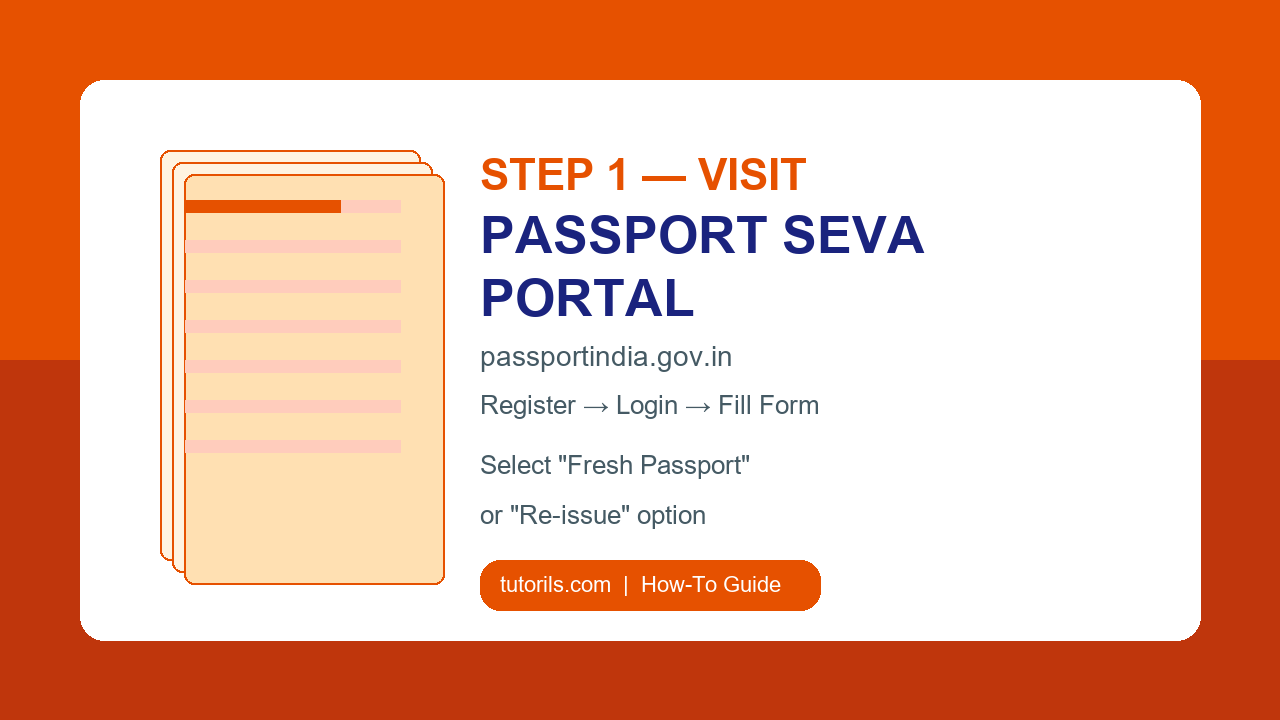
Step 1: Register on the Passport Seva Portal
- Go to passportindia.gov.in
- Click “New User? Register Now”
- Select your nearest Passport Seva Kendra (PSK) or Post Office Passport Seva Kendra (POPSK)
- Fill in your name, date of birth, email, and mobile number
- Create a login ID and strong password
- Verify your email via the OTP/link sent
Pro tip: Use the same email and mobile number linked to your Aadhaar for faster verification.
Step 2: Log In and Select Application Type
- Log in with your credentials
- From the dashboard, click “Apply for Fresh Passport / Re-issue of Passport”
- Choose between:
- Fresh Passport – first-time applicant
- Re-issue – renewing or updating an existing passport
- Select the booklet type: 36 pages (standard) or 60 pages (frequent traveller)
- Choose validity: 10 years (adults) or 5 years / up to 18 years of age (minors)
- Select Normal or Tatkaal (urgent)
Step 3: Fill the Online Application Form
This is the most critical step. Fill in every field carefully – errors here can cause rejection.
- Personal Details: Name (exactly as on Aadhaar/DOB proof), gender, marital status
- Family Details: Father’s and mother’s name, spouse name (if applicable)
- Present & Permanent Address
- Emergency Contact
- Previous Passport Details (if re-issue)
- Criminal/Legal Declaration – answer honestly; false declarations are a criminal offense
After filling, click Submit. You’ll get an Application Reference Number (ARN) – save it!
Step 4: Pay the Passport Fee Online
| Passport Type | Normal Fee | Tatkaal Fee |
|---|---|---|
| Fresh – 36 pages | ?1,500 | ?3,500 |
| Fresh – 60 pages | ?2,000 | ?4,000 |
| Minor (below 18) – 36 pages | ?1,000 | ?3,000 |
| Re-issue – 36 pages | ?1,500 | ?3,500 |
Payment modes accepted: Net banking, Credit/Debit Card, UPI (limited), and SBI Challan (for offline payment).
After successful payment, you’ll receive a Payment Confirmation – save or screenshot this.
Step 5: Book Your Appointment at PSK / POPSK
- After payment, go to “Schedule Appointment”
- Choose your nearest PSK or POPSK
- Select an available date and time slot
- Confirm the appointment
- Download and print the Appointment Confirmation slip
Tip: Slots fill up fast, especially in metro cities. Check early morning for fresh slots – they usually open at midnight.
Step 6: Visit the Passport Seva Kendra (PSK)
On your appointment day, carry these in a clear folder:
- ? Printed appointment confirmation
- ? Printed application form (if system prompts for it)
- ? Original documents + self-attested photocopies of all proofs
- ? Old passport (original) for re-issue
- ? Payment receipt
At the PSK, you’ll go through:
- Token Counter A – Document verification
- Counter B – Data entry and biometrics
- Counter C – Supervisor review / approval
- Police Verification – Initiated after PSK visit (for most applicants)
The PSK process usually takes 1-2 hours. Arrive 15 minutes before your slot.
Step 7: Police Verification
For most fresh passport applicants, post-police verification is mandatory. A local police officer will visit your registered address to verify your identity and address.
- Keep your original documents ready at home
- You’ll receive an SMS when police verification is initiated
- If the officer doesn’t visit within 15-21 days, contact your local police station
Aadhaar-linked applications may get faster or waived police verification in some states – always check current MEA guidelines.
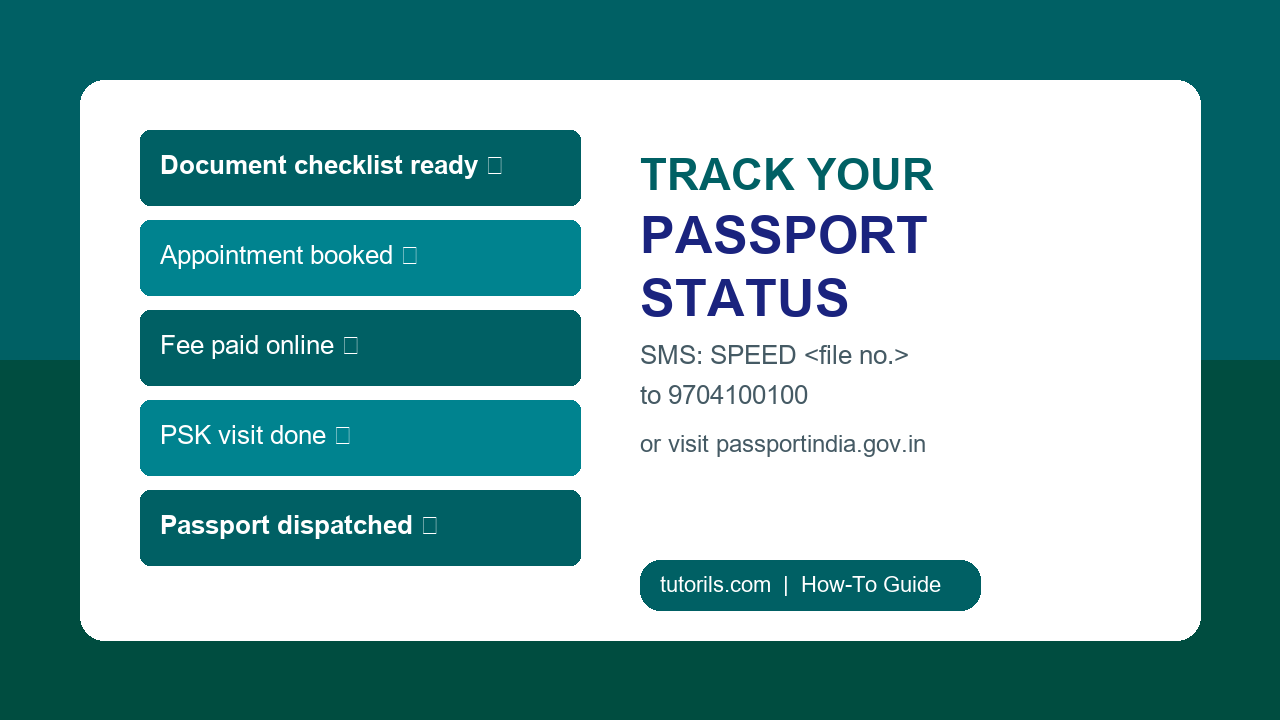
Step 8: Track Your Passport Application Status
You can track your application via multiple methods:
- Online: passportindia.gov.in ? “Track Application Status” ? Enter file number and DOB
- SMS: Send
SPEED <file number>to 9704100100 - Call: Passport Seva helpline 1800-258-1800 (toll-free)
- mPassport Seva App: Available on Android and iOS
Step 9: Passport Delivery
After successful police verification and approval, your passport is printed and dispatched via India Post Speed Post. You’ll receive:
- An SMS with your Speed Post tracking number
- The envelope is delivered to your registered address
- Delivery typically takes 3-7 working days after dispatch
If not delivered after 7 days, use the Speed Post tracking number on indiapost.gov.in.
Normal vs Tatkaal Passport: Which Should You Choose?
| Factor | Normal | Tatkaal |
|---|---|---|
| Processing time | 30-45 days | 7-15 days |
| Fee | ?1,500 | ?3,500 |
| Police verification | Pre or post | Post-verification (usually) |
| Best for | Planned travel, no urgency | Emergency travel, visa applications |
| Appointment availability | Easier to get | Limited Tatkaal slots daily |
Common Mistakes to Avoid When Applying for Passport Online
- ? Name mismatch between Aadhaar and application form
- ? Wrong date of birth – double check before submitting
- ? Using expired or outdated address proof
- ? Not carrying original documents to PSK (photocopies alone won’t work)
- ? Selecting wrong PSK – you must go to the PSK you selected during application
- ? Forgetting to download/print appointment confirmation
- ? Applying for Tatkaal without genuinely urgent need (may face issues)
How to Renew Your Indian Passport Online in 2025
Renewing (re-issuing) your passport follows the same steps above with these differences:
- Select “Re-issue” instead of Fresh on the portal
- Enter your current/old passport number and details
- Carry your old passport (original) to the PSK
- If renewing due to expiry, normal processing applies
- If renewing due to damage, additional forms may be required
You can renew your passport up to 1 year before it expires – recommended for frequent travellers.
Passport Application Summary Table
| Step | Action | Time Required |
|---|---|---|
| 1 | Register on passportindia.gov.in | 10 minutes |
| 2 | Fill online application form | 20-30 minutes |
| 3 | Pay fee online | 5 minutes |
| 4 | Book PSK appointment | 5-10 minutes |
| 5 | Visit PSK with documents | 1-2 hours |
| 6 | Police verification (at home) | 15-21 days |
| 7 | Passport printing & dispatch | 3-7 days |
| 8 | Receive passport via Speed Post | 3-7 days |
Useful Official Links
- ?? Passport Seva Online Portal – passportindia.gov.in
- ?? Ministry of External Affairs – Passport & Visa Division
- ?? India Post Speed Post Tracking
Also check out our About Us page to learn more about Tutorils, and if you have any questions, feel free to Contact Us.
Frequently Asked Questions (FAQ)
Q1. How long does it take to get a passport in India in 2025?
For a normal passport, the total process including police verification typically takes 30-45 days. With Tatkaal, it can be as fast as 7-15 days. Timelines can vary based on your state and police verification speed.
Q2. Can I apply for a passport without Aadhaar?
Yes, Aadhaar is not mandatory for passport applications. However, it is the most widely accepted and convenient document for identity, address, and date-of-birth proof. Using Aadhaar also speeds up the Digilocker-linked e-verification in some cases.
Q3. What is the difference between PSK and POPSK?
PSK (Passport Seva Kendra) is a dedicated passport office, while POPSK (Post Office Passport Seva Kendra) operates from selected post offices across smaller cities and towns. Both accept the same application types. POPSKs often have shorter queues in smaller cities.
Q4. Is it safe to apply for passport online? Can I use agents?
The official Passport Seva Portal is completely safe. Avoid agents – they are not authorized by the MEA and may submit incorrect details or charge exorbitant fees. The online process is straightforward enough to do yourself in under an hour.
Q5. What happens if police verification fails or is negative?
If police verification is negative (e.g., due to pending criminal cases, address issues), your passport application will be rejected and you’ll be notified by post/email. You may appeal or reapply after resolving the issue. In most standard cases, police verification is straightforward.
Conclusion
Applying for a passport online in India in 2025 is a streamlined, mostly digital process – from registration to fee payment to appointment booking, everything happens on the Passport Seva Portal. The physical PSK visit is brief, and the rest (police verification, printing, delivery) is automatic.
The key to a smooth application is preparation: have your documents ready, fill the form accurately, and book your appointment as early as possible. With this guide, you have everything you need to get your Indian passport without stress.
For more how-to guides, tech tutorials, and step-by-step explainers, visit Tutorils.com – your go-to destination for practical digital knowledge.