Google's first ATLAS report offers a useful correction to the loudest claims about artificial intelligence at work. People are using AI across many occupations, but most of those interactions involve assistance rather than handing an entire task to a machine. That distinction matters if you are deciding what to automate, what to review, and where an AI tool is more trouble than it is worth.
Google ATLAS: What AI Work Data Means for You
Google ATLAS shows how people use AI for assistance, collaboration, and limited automation. Learn how to test one safer AI-assisted workflow.
ATLAS stands for Activity, Task, Landscape, and Adoption Study. Google says the first release analyzes 15 million aggregated and de-identified interactions across the Gemini App, AI Mode, and the Gemini API. The data spans more than 150 countries, 140 languages, 800 occupations, and 4,000 tasks. It is a large view of activity inside Google's products, but it is not a census of every AI user or every workplace.
This guide explains what the study found and turns those findings into a practical workflow. The aim is not to predict which jobs will disappear. It is to help you decide where AI assistance may save time, where full automation creates avoidable risk, and how to keep a person responsible for the result.
What Google ATLAS actually measured
The official ATLAS announcement describes an ongoing study of how people use Google's AI products at work and in everyday life. Google grouped de-identified interactions by activity, task, occupation, language, and location. It then compared patterns across those groups.
The dataset can show what kinds of requests appeared in the selected products. It can also show whether an interaction looked collaborative, informational, or highly automated. It cannot prove that a response was correct, that it improved productivity, or that the user acted on it. A conversation about a task is not the same as a completed task.
That limit is easy to miss when reading a headline about millions of interactions. Usage tells us where people are experimenting. It does not automatically tell us whether a workflow is reliable, profitable, safe, or better than the previous method.
Google also states that the products represented in ATLAS are used by more than one billion people each month. That figure describes the combined reach of the products, not the number of people included in the report. Treat every number according to what it measures instead of turning it into a broader claim.
Assistance is more common than full automation
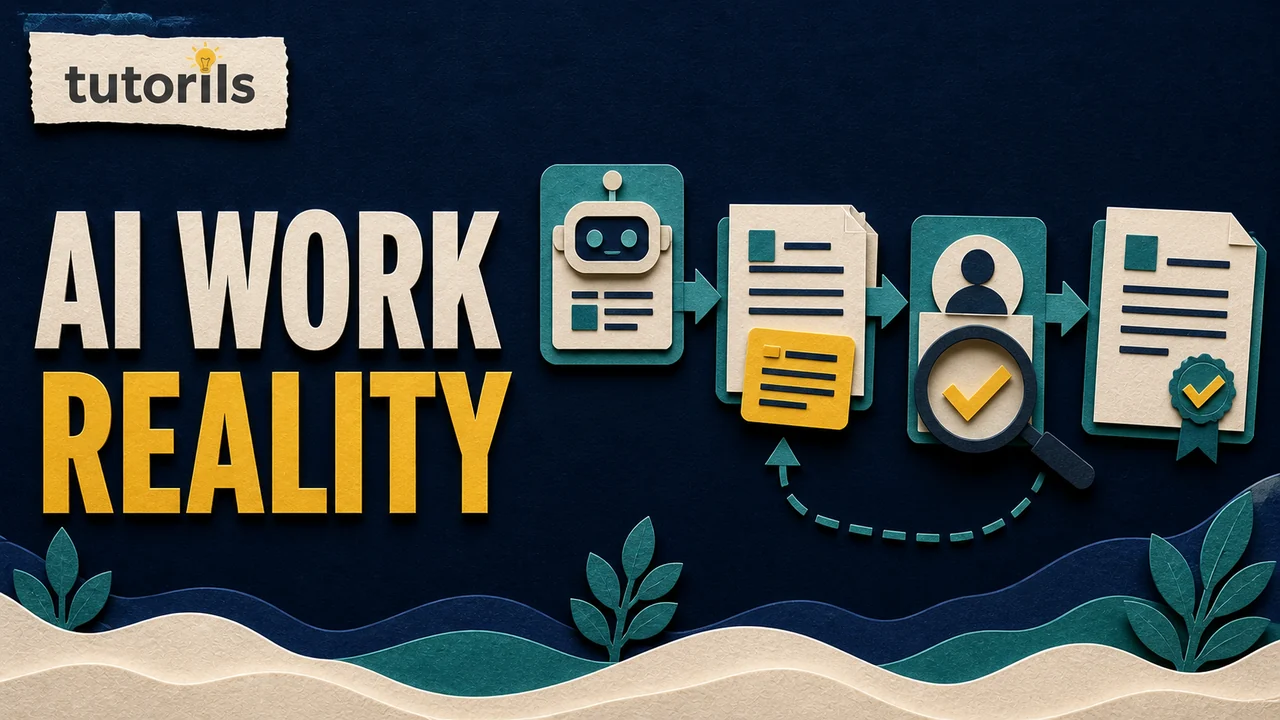
The most practical finding is that fewer than 10 percent of the studied work interactions fully automated a task. Most workplace use focused on collaboration and assistance, including information retrieval, learning, ideation, and strategy.
This pattern fits how many everyday workflows are safest to design. An AI system can help collect possibilities, organize notes, produce a first draft, or spot items that deserve attention. A person can then check sources, apply context, correct errors, and approve the final result.
The alternative is end-to-end automation, where the system receives an input and takes consequential action with little or no review. That may work for a narrow, predictable, reversible task. It becomes risky when the information is sensitive, the decision affects another person, the source material changes, or an error is hard to undo.
Before adding any automated step, use the Tutorils AI automation safety checklist. It helps separate a convenient demo from a workflow you can supervise in real conditions.
What broad but shallow adoption means
Google reports workplace AI use across all industry sectors and in 68 percent of occupations that together represent 90 percent of United States employment. Within a typical job, however, AI appeared in about 21 percent of tasks. Google describes this pattern as broad but shallow.
The point is not that 21 percent of every job is automated. The report does not say that. It means AI interactions appeared selectively within the tasks associated with a typical occupation. A role may include planning, communication, physical work, judgment, record keeping, customer contact, and many other activities. AI may be useful for a small part of that mix without being suitable for the rest.
This is why a task inventory is more useful than a job-level question. Asking "Can AI do my job?" is too vague. Ask which repeated task takes time, what a correct result looks like, what information it uses, and who can verify the output.
The distinction between an agent and an assistant also matters. Our guide to the difference between AI agents and AI assistants explains how autonomy, tool access, and action-taking change the risk of a workflow.
Five tasks that are safer to assist than automate
Research preparation
AI can help generate search terms, group questions, or turn a broad topic into a checklist of claims to verify. It should not be the final source. Open the original documents, confirm the date, and keep a note of where each changing fact came from.
A useful division of labor is simple: let the tool suggest where to look, then let the editor decide what the evidence supports. This avoids publishing a confident summary that points to a source which never made the claim.
First drafts
A draft is reversible. You can compare it with the brief, remove unsupported statements, rewrite generic passages, and add details from verified sources. Automatic publication removes that review point and can expose readers to factual or legal errors.
Use a clear source pack and a defined audience before drafting. The Tutorils workflow for AI-assisted email, research, and reports shows where human checks belong in a practical content process.
Meeting and document summaries
Summaries can save reading time, but they can omit a condition that changes the meaning of a decision. Keep the original document available. For important material, ask the reviewer to check names, dates, amounts, obligations, exceptions, and action owners against the source.
Do not upload private records to a consumer AI service until you understand its data handling, retention, account controls, and organizational policy. Removing a name may not be enough if the remaining details identify a person or business.
Routine classification
Sorting messages, tagging support requests, or grouping feedback can be a good pilot because the output is easy to sample. Start with copied data rather than the only live record. Review a representative sample, especially edge cases and categories that trigger action.
If a wrong label could deny service, expose private information, or send money, the classification needs a stronger control than occasional sampling. The cost of an error should determine how much review is required.
Repetitive preparation work
An AI tool can transform notes into a standard outline, clean formatting, or prepare a checklist for a person to finish. This can remove mechanical work without allowing the model to make the final decision.
If you later want to connect tools, begin with the beginner AI automation workflow. Keep permissions narrow and make the first version read-only whenever possible.
A practical test for one AI-assisted workflow
Choose a low-risk task that happens often enough to evaluate. A good pilot has a clear input, an observable output, and an easy way to compare the assisted method with the current method.
Write the success criteria before opening the tool. For example, a research-preparation pilot might require ten relevant source leads, no invented citations, no private data, and a final human-approved list. Avoid a vague goal such as "make research faster" because it gives you nothing definite to check.
Use this sequence:
- Copy a small, non-sensitive sample of the task.
- Record how the task is completed now.
- Define the output format and unacceptable errors.
- Give the AI only the access required for the test.
- Review every result during the pilot.
- Record corrections, missing information, and time spent checking.
- Decide whether assistance improved the whole process, including review time.
Run the same test more than once. A single impressive output does not establish reliability. Include an ordinary case, an incomplete input, and an edge case. If the tool fails silently, changes facts, or requires more checking than the task saves, keep the current method.
Privacy checks before sharing work data
The ATLAS report discusses aggregated and de-identified interactions, but that does not mean every AI workflow is automatically private. Your responsibility begins before information is entered into a tool.
Classify the data first. Public information may be suitable for a low-risk research prompt. Customer records, employee information, contracts, medical details, credentials, financial data, unpublished business plans, and confidential source material need stricter handling.
Check the service's current terms and the controls available to your account. Business and enterprise products may have different commitments from free consumer accounts. Confirm whether prompts are stored, used for product improvement, visible to administrators, or sent to connected services.
Remove information the task does not need. A good workflow sends the minimum necessary data. If the model only needs product categories, do not send customer names and order histories. If a summary can be created locally or inside an approved organizational system, use that route.
Accuracy and accountability checks
Assign one person to own the final result. "The AI made the mistake" is not a useful control when a published guide, customer message, or business decision is wrong.
The reviewer should know what to check. For a factual article, that includes claims, quotations, dates, links, calculations, names, and instructions. For a customer response, it includes account details, policy, promised action, tone, and destination. For code, it includes tests, permissions, secrets, failure behavior, and rollback.
Keep a record of important source material and changes. You do not need to save every exploratory prompt, but you should be able to explain why the final output was accepted. In a regulated or high-impact workflow, follow the record-keeping requirements of your organization rather than inventing an informal process.
Recheck the workflow when the model, prompt, data source, connected tool, policy, or output destination changes. A test result belongs to the version and conditions you tested.
When not to automate
Do not use an AI workflow when you cannot lawfully or safely provide the input. Avoid autonomous action when the tool can spend money, change access, delete records, publish externally, or contact people without an effective approval step.
Medical, legal, financial, employment, safety, and identity decisions require qualified judgment and current rules. AI may help organize questions or public information, but it should not be presented as the responsible professional.
Also avoid automation when the process is rare and unstable. Building and monitoring a system can take longer than doing the task carefully. A manual checklist may be the better tool.
A decision checklist you can reuse
Before approving an AI-assisted task, answer these questions:
- Is the task narrow enough to describe clearly?
- Can you recognize a correct result?
- Is the input allowed in this tool?
- Can the first test use copied or low-risk data?
- Is the output reversible before it affects anyone?
- Does a named person review the result?
- Are the tool's permissions limited?
- Have you tested ordinary and difficult cases?
- Does the process save time after review is included?
- Is there a simple way to stop or roll back the workflow?
ATLAS provides evidence that people often use AI as a collaborator rather than a complete replacement for human work. That is a useful default for your own experiments. Start with assistance, keep the task small, measure the full process, and increase autonomy only when the evidence and consequences justify it.
Reader answers
Frequently asked questions
Open a question to read the answer. Opening another answer closes the previous one.
What is the Google ATLAS AI study?
ATLAS is Google's ongoing Activity, Task, Landscape, and Adoption Study. Its first report analyzes aggregated and de-identified interactions from selected Google AI products to examine how people use AI at work and outside work.
How many AI interactions did Google ATLAS analyze?
Google says ATLAS v1.0 analyzed 15 million aggregated and de-identified interactions across the Gemini App, AI Mode, and Gemini API. The dataset covers more than 150 countries, 140 languages, 800 occupations, and 4,000 tasks.
Does Google ATLAS show that AI is replacing workers?
No. The report measures interactions with selected Google AI products, not job losses. Google found that most workplace interactions involved assistance or collaboration, while fewer than 10 percent fully automated the studied task.
What is the difference between AI assistance and full automation?
Assistance keeps a person involved in research, drafting, checking, or approval. Full automation lets the system complete a task with little human intervention. Higher-risk or hard-to-reverse work needs stronger human control.
Which work tasks are safer to assist with AI?
Low-risk, reversible work such as research preparation, first drafts, formatting, and routine classification can be suitable for assistance. A person should still check sources, privacy, accuracy, and the final result.
How can I test an AI workflow before relying on it?
Choose a small non-sensitive task, define success and unacceptable errors, keep permissions narrow, compare the output with the current method, and require a named person to approve the result before wider use.
When should a human review an AI result?
Review is essential when the output affects money, access, safety, legal obligations, another person's treatment, confidential data, or public claims. It is also needed whenever an error would be difficult to reverse.
Does the ATLAS report include AI use outside work?
Yes. Google reports that most interactions in the dataset occurred outside work. Examples include household research and administrative tasks, but the report still covers only the selected Google products included in the study.
What are the limits of Google ATLAS data?
The data represents selected Google products and records interactions rather than verified outcomes. It cannot prove that every answer was correct, that productivity improved, or that the user acted on the response.
How often should an AI automation workflow be reviewed?
Review it after tool, model, permission, source, or policy changes and whenever errors appear. Even a stable workflow needs periodic sample checks to confirm that its inputs, outputs, and human approval step still work.