Wondering how top bloggers earn thousands of dollars every month - even while they sleep? The secret isn't ads or sponsored posts alone. It's selling digital products directly from their blogs. Digital products are one of the most scalable, low-overhead ways to turn your knowledge into income. Once you create them, they sell again and again with zero inventory, no shipping, and minimal effort.
How to Make Money Selling Digital Products on Your Blog (Complete Guide)
Wondering how top bloggers earn thousands of dollars every month - even while they sleep? The secret isn't ads or sponsored posts alone. It's selling digital products directly from their blogs. Digital products are one of the most scalable,...
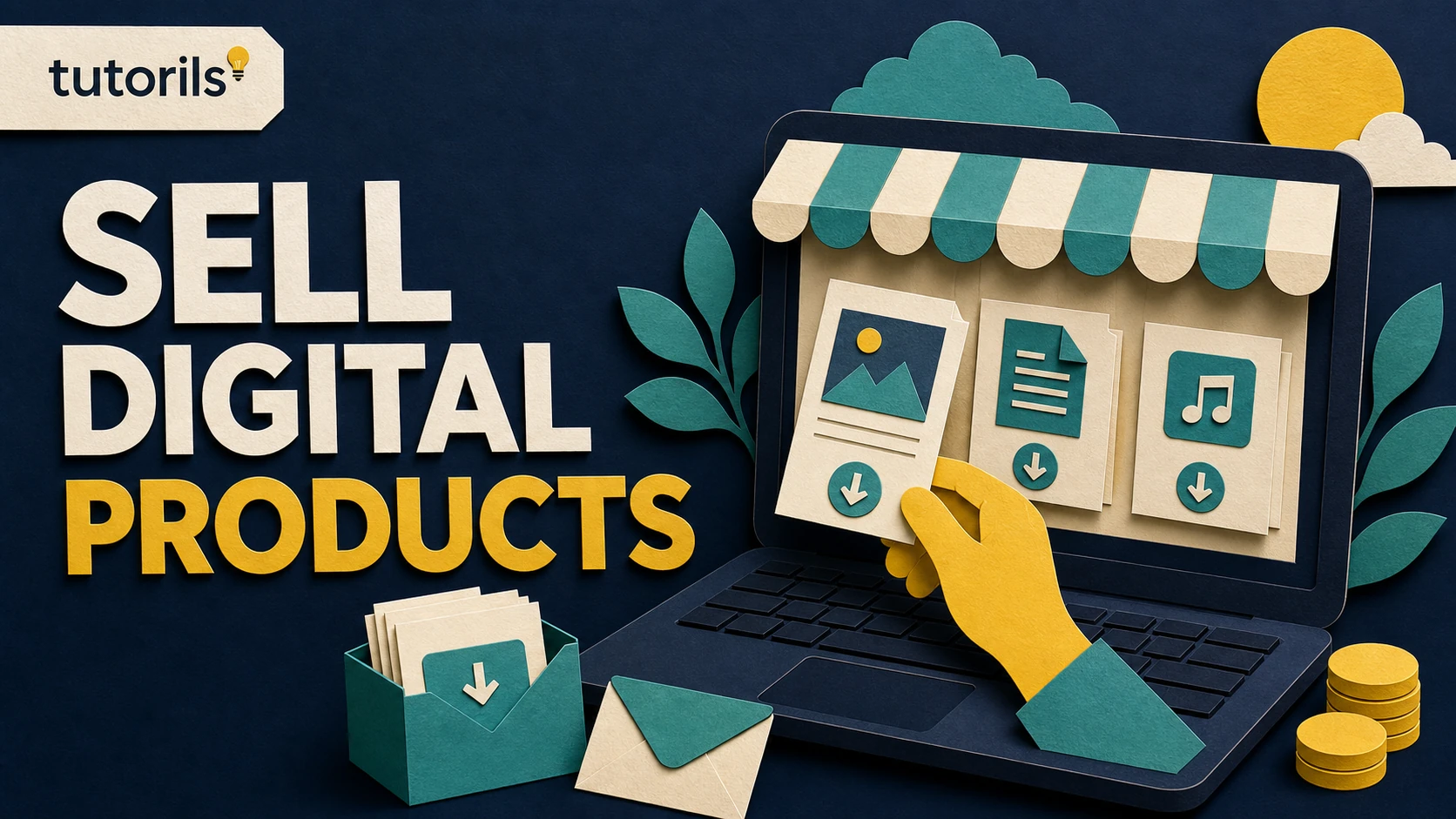
Realistic guide image for this Tutorils tutorial.In this complete guide, you'll learn exactly how to create, market, and sell digital products on your blog - from ebooks to online courses, templates, and more. Whether you're a beginner blogger or already monetizing with ads and affiliates, adding digital products can 10x your revenue.
Bloggers who sell digital products earn significantly more than those relying on ads alone.What Are Digital Products?
Digital products are downloadable or accessible files that customers purchase and receive online. Unlike physical products, there's no manufacturing, shipping, or inventory. You create the product once and sell it unlimited times.
Types of Digital Products Bloggers Sell
- Ebooks & PDF Guides - Comprehensive guides, how-tos, recipes, or niche-specific information
- Online Courses & Video Tutorials - Multi-module video training with structured lessons
- Templates & Presets - Canva templates, Notion templates, Lightroom presets, spreadsheets
- Stock Photos & Graphics - Photography, icons, illustrations, brand kits
- Printables - Planners, worksheets, journals, calendars, checklists
- Software & Plugins - WordPress plugins, browser extensions, scripts
- Audio & Music - Podcast intros, background music, sound effects
- Membership Content - Exclusive articles, community access, resource libraries
Why Digital Products Are the Best Way to Monetize a Blog
Let's compare digital products against other popular monetization strategies:
Monetization MethodRevenue PotentialPassive IncomeEffortDisplay Ads (AdSense)Low-MediumYesLowAffiliate MarketingMedium-HighPartialMediumSponsored PostsMediumNoHigh**Digital ProductsHigh-Very HighYes****Medium (upfront)**Freelance ServicesHighNoVery HighDigital products win on almost every front. You do the work once, and the revenue compounds as your audience grows.
Step 1: Find the Right Digital Product for Your Niche
Before creating anything, validate your idea. The biggest mistake bloggers make is creating a product nobody wants. Here's how to find your winning product idea:
Research Your Audience's Pain Points
Look at your blog comments, email replies, and social media DMs. What questions do readers keep asking? What frustrations do they share? Those are your product ideas.
- Join Facebook groups in your niche - note recurring questions
- Browse Reddit communities related to your topic
- Check competitor products on Etsy, Gumroad, or Teachable
- Use Answer the Public or Google's "People Also Ask" for keyword research
- Survey your email list (even a simple Google Form works)
Validate Before You Build
Don't spend weeks building something before confirming demand. Simple validation techniques:
- Pre-sell it: Announce the product before it's done - if people pay, you know it's worth building
- Write a related blog post: If a post about the topic gets lots of traffic, there's demand
- Free mini-version: Offer a free lead magnet version - if subscribers love it, sell the premium version
Step 2: Create Your Digital Product
Once you've validated your idea, it's time to build. Here's a breakdown of the most beginner-friendly digital products and how to create them:
How to Create an Ebook
- Write in Google Docs or Notion, then export as PDF
- Design a professional cover using Canva (free)
- Aim for 5,000 - 30,000 words depending on your niche depth
- Include actionable steps, examples, and visuals
- Price range: $7 to $97 depending on value delivered
How to Create an Online Course
- Outline your curriculum with 5 - 10 modules
- Record videos using Loom, OBS Studio, or even your phone
- Host on Teachable, Thinkific, or Podia (beginner-friendly platforms)
- Include worksheets, quizzes, and community access for higher perceived value
- Price range: $47 to $497+ depending on depth
How to Create Canva Templates
- Design templates in Canva Pro with your niche in mind (social media, resumes, planners)
- Share as a "Canva template link" so buyers can copy and customize
- Bundle 10 - 30 templates into a pack for higher value
- Sell on Etsy, Gumroad, or your own blog
- Price range: $5 to $47 per pack
Setting up your digital product store is easier than ever with platforms like Gumroad and WooCommerce.Step 3: Set Up Your Digital Product Store on Your Blog
You don't need a separate website to sell digital products. Your blog can become a full-fledged store. Here are the best options:
Option A: Sell via Gumroad (Easiest for Beginners)
Gumroad is the go-to platform for digital product creators. It handles payments, delivery, and even taxes. You can embed a Gumroad buy button directly on any blog post or page.
- Free to start - Gumroad takes 10% per sale (reduces as you earn more)
- Supports ebooks, courses, memberships, and software
- Built-in affiliate program for your own affiliates
- No coding required
Option B: WooCommerce (Best for WordPress Bloggers)
If your blog runs on WordPress, WooCommerce with the Digital Downloads extension is a powerful, zero-commission option. You own the customer data and payment flow.
- Full control over your store design
- Integrate Stripe or PayPal directly
- No transaction fees beyond payment processor charges
- Easy upsell and bundle support
Option C: Sell via Etsy (Marketplace Traffic Bonus)
Etsy isn't just for handmade goods - it's a massive marketplace for digital downloads including printables, templates, and design assets. Use Etsy for discovery and direct buyers to your blog for deeper content and upsells.
Step 4: Price Your Digital Products for Maximum Revenue
Pricing is more art than science, but here are proven frameworks:
The Value-Based Pricing Strategy
Don't price based on how long it took you to create the product. Price based on the value it delivers to the customer. If your ebook helps someone earn an extra $500/month, it's easily worth $47 - $97.
Common Digital Product Pricing Tiers
Product TypeEntry PriceMid RangePremiumEbook / PDF$7 - $17$27 - $47$67 - $97Template Pack$9 - $19$29 - $49$79 - $147Mini Course$27 - $47$67 - $97$147 - $297Full Course$97 - $197$297 - $497$497 - $997+Membership$7 - $17/mo$27 - $47/mo$67+/moStep 5: Market Your Digital Products Through Your Blog Content
Your blog is your best marketing tool. Here's how to weave your product promotion into your content naturally:
Content Upgrade Strategy
Offer a related free "upgrade" within blog posts - a bonus checklist, cheat sheet, or mini guide. To get it, readers enter their email. Then follow up via email marketing with your paid product offer. This is one of the highest-converting strategies available to bloggers.
Product Mention in Relevant Posts
If you write a post about Instagram marketing and you sell Instagram caption templates, mention your template pack naturally in the post. A simple "Check out my Instagram Template Pack" with a link can drive dozens of sales from a single evergreen post.
Email Marketing Sequences
Build an email list from day one. Use a welcome sequence of 5 - 7 emails to introduce yourself, deliver value, and then pitch your product. Tools like Mailchimp, ConvertKit, or MailerLite work perfectly for bloggers at all stages.
SEO-Optimized Sales Pages
Create a dedicated landing page for your product that targets keywords people search when looking for a solution. For example, if you sell a keto meal plan PDF, optimize a page for "printable keto meal plan PDF." Organic search traffic to product pages is incredibly valuable.
Step 6: Use Social Media to Drive Digital Product Sales
Your blog alone isn't enough - social media multiplies your reach. Here are platform-specific tips:
- Pinterest: Create pins for your product pages and blog posts. Pinterest traffic is highly purchase-intent driven for printables and templates.
- Instagram: Share behind-the-scenes creation content, customer testimonials, and "before and after" results from using your products.
- YouTube: Create tutorials that demonstrate the value of your product and link to it in the description.
- Twitter/X: Build in public - share your product creation journey, lessons learned, and early sales wins.
- TikTok: Short product demos and "what I earned this month" content performs extremely well and drives discovery.
Step 7: Automate Your Digital Product Sales Funnel
The real power of digital products is automation. Set it up properly and your store runs 24/7:
- Automated delivery: Gumroad, WooCommerce, or SendOwl automatically deliver download links after purchase
- Upsell sequences: After a $9 product purchase, automatically offer a $47 course in the thank-you email
- Abandoned cart emails: If someone adds your product to cart but doesn't buy, trigger a follow-up email
- Annual promotions: Schedule Black Friday or seasonal discount campaigns via your email platform
Common Mistakes to Avoid When Selling Digital Products
- Creating before validating: Always confirm demand before investing weeks of effort
- Underpricing: Low prices signal low quality. Start at a fair mid-range price and increase as you collect testimonials
- No sales page: A product hidden in a blog post sidebar won't sell well. Create a dedicated, optimized sales page
- Ignoring testimonials: Social proof is the #1 conversion driver for digital products. Collect reviews actively
- One product only: Build a product ladder - entry-level, mid-tier, and premium offers to capture buyers at all levels
- No email list: If you don't own your audience, you're at the mercy of algorithm changes. Build your list from day one
How Much Can You Earn Selling Digital Products?
The income potential is genuinely unlimited, but let's look at realistic examples:
ScenarioProductPriceSales/MonthMonthly RevenueBeginner bloggerPrintable planner$950$450Growing blogCanva template pack$2980$2,320Established bloggerOnline course$19730$5,910Authority bloggerMembership + courses$47/mo200 members$9,400+These numbers are achievable with a focused strategy, quality products, and consistent content marketing. Many bloggers report replacing their full-time income within 12 - 18 months of launching their first digital product.
Best Platforms to Sell Digital Products from Your Blog
- Gumroad - Best for beginners, handles everything
- WooCommerce - Best for WordPress users who want full control
- Teachable / Thinkific - Best for online courses
- Podia - All-in-one (courses + memberships + downloads)
- Etsy - Best for templates, printables, and design assets
- Lemon Squeezy - Modern alternative to Gumroad, handles EU VAT
- Payhip - Simple, low fees, great for ebooks
Final Thoughts
Selling digital products is one of the most powerful ways to monetize your blog. It combines your expertise with automation, letting you earn passive income while you sleep. The key is starting with a validated idea, creating something genuinely useful, and building a simple sales funnel through your blog and email list.
Start small - one ebook or one template pack. Learn what your audience buys. Then expand your product catalog over time. The bloggers earning $5,000 - $50,000+ per month from digital products didn't start there. They started exactly where you are now, with one product and one sale.
Ready to build your blogging career? Check out the About Us page to learn more about Tutorils, visit our homepage for more tutorials, or contact us if you have questions. We're here to help you succeed.
Recheck the work after an update
Software, online services, search features, and account policies change. Review how to make money selling digital products on your blog (complete guide) after a major app, operating system, browser, or platform update. Confirm that saved links still open, permissions remain appropriate, exported files still meet the destination requirements, and scheduled or automated actions still run. A successful setup can quietly stop working when an account is disconnected or a provider changes a default.
Use the article's updated date as context, then compare any time-sensitive instruction with Google Search Central, the named platform documentation, and first-party sources for factual claims. Do not change a working setup only because a new option appears. First identify the benefit, test it on a small example, and keep a recovery path. For a published guide, correct outdated menu names and broken links without changing the original URL. A stable URL and transparent update history help returning readers and preserve useful references from other pages.
Related Tutorils guides
Reader answers
Frequently asked questions
Open a question to read the answer. Opening another answer closes the previous one.
What is the best way to start how to make money selling digital products on your blog (complete guide)?
Start with the preparation section in this guide. Confirm the goal, collect the required information, and use the official publishing, analytics, advertising, or affiliate platform named in the article. Make one controlled change at a time so you can identify which step produced the.
Can a beginner follow this how to make money selling digital products on your blog (complete guide) guide?
Yes. Read the full sequence once before acting, then follow the steps in order. Do not skip backups, account checks, or verification steps. If a label differs on your screen, consult Google Search Central, the named platform documentation, and first-party sources for factual claims.
What should I prepare before working on how to make money selling digital products on your blog (complete guide)?
Prepare the account, device, documents, files, or source material named in the guide. Save a backup where relevant, confirm internet access, and keep recovery details available. For sensitive tasks, work on a trusted device and private connection.
How long does how to make money selling digital products on your blog (complete guide) usually take?
The time depends on the device, account, file size, approval process, and connection speed involved. Allow extra time for verification or syncing. A careful first attempt is usually better than rushing and having to repeat the work.
Is how to make money selling digital products on your blog (complete guide) safe to do?
Use the official publishing, analytics, advertising, or affiliate platform named in the article, review permissions, and protect private information. Watch for writing for keywords instead of readers, hiding commercial relationships, or publishing unsupported claims. Stop if a page, message, or permission request does not.
What if the options for how to make money selling digital products on your blog (complete guide) look different?
Interfaces change and some options vary by device, account type, region, or software version. Check the current official help page, search the settings menu for the named feature, and avoid selecting a substitute option until its purpose is clear.
How do I know whether how to make money selling digital products on your blog (complete guide) worked?
Use the verification step in this guide and check for a useful page that answers the search intent and gives the reader a clear next action. Test the outcome with a small, low-risk example when possible. Keep the confirmation page, reference number, or before-and-after.
What should I do if how to make money selling digital products on your blog (complete guide) does not work?
Recheck the prerequisites, spelling, account, connection, permissions, and software version. Repeat only the failed step. Record the exact error message, then use Google Search Central, the named platform documentation, and first-party sources for factual claims or the provider's official support channel for that specific.
Can I undo changes made during how to make money selling digital products on your blog (complete guide)?
Some changes can be reversed, while submissions, deletions, payments, or account actions may not be. Read each confirmation screen before continuing. Use the rollback or recovery guidance in the article and keep a backup before changing important data.
How can I keep how to make money selling digital products on your blog (complete guide) accurate over time?
Review the setup after major updates and whenever the service changes its interface or policy. Recheck permissions, saved details, links, and results. Use the article's updated date together with Google Search Central, the named platform documentation, and first-party sources for factual claims for the.