A social media content plan is a working agreement about whom you are trying to help, what you will publish, where it belongs, and how you will learn from the response. It is not a decorative calendar filled with vague ideas. A useful plan turns a limited amount of time into a repeatable publishing system.
Social Media Content Plan: 5 Steps to Create a Winning Strategy in 2025
Build a sustainable social media content plan in five steps, from audience outcomes and content pillars to production, scheduling, review, and improvement.
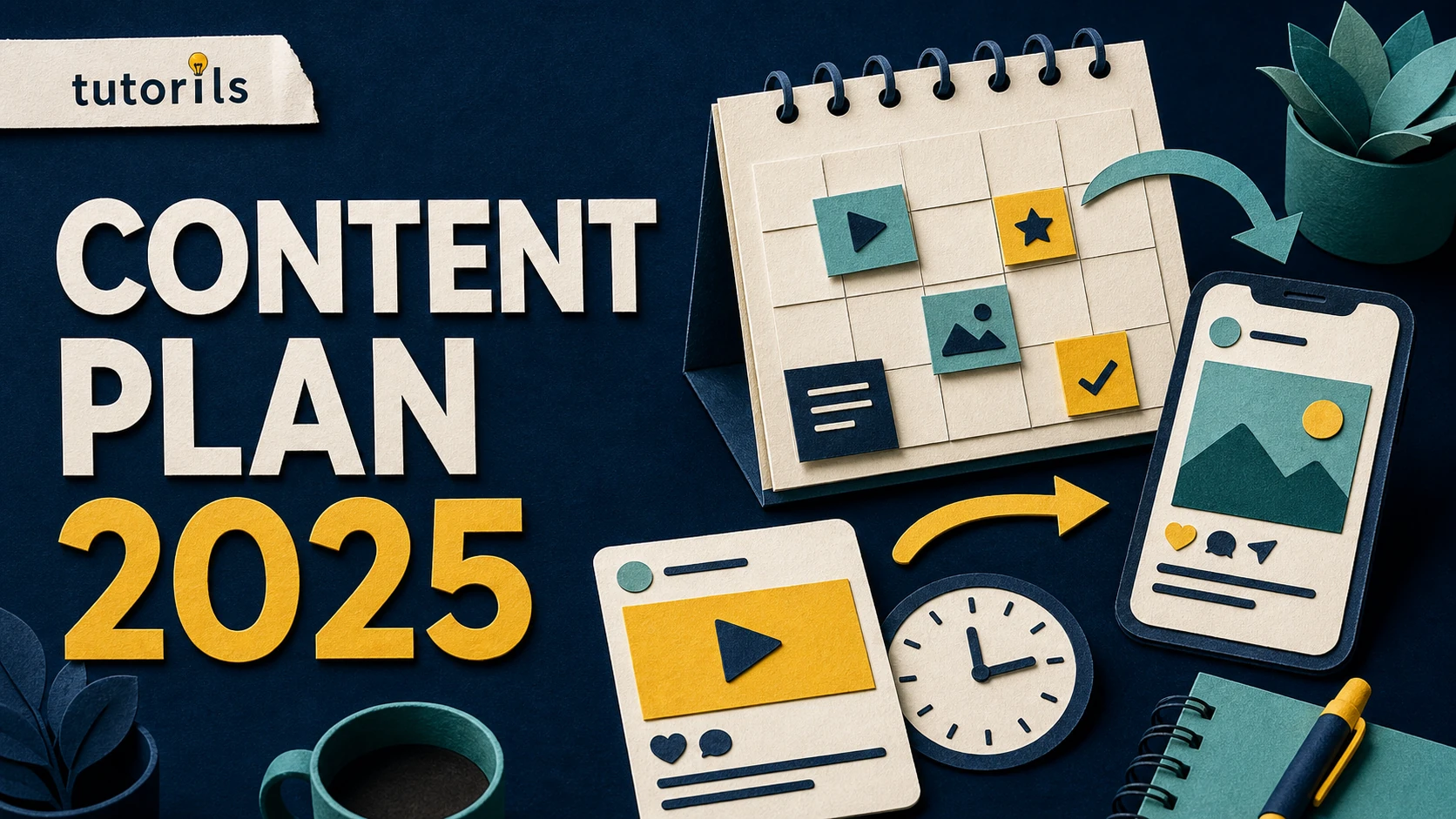
The best plan is not the busiest one. It is the one your team can sustain without lowering accuracy, copying trends blindly, or posting simply because a slot is empty. This five-step method helps a solo creator, blog, or small business build a practical social media content strategy that can be reviewed every month and improved with evidence.
Step 1: Set one audience outcome and a clear purpose
Begin with the change you want the content to create for a specific group of people. "Grow the account" is too broad to guide a post. "Help first-time Android users solve one privacy problem each week" gives you an audience, a useful outcome, and a direction for selecting topics.
Write a short planning statement:
We help [audience] achieve [useful outcome] through [content formats], and we measure [meaningful actions].
For a tutorial publisher, meaningful actions might include saving a checklist, reading the full guide, returning for a related task, joining a newsletter, or asking a useful follow-up question. Likes can indicate that a post was noticed, but they do not prove that the audience understood or used it.
Choose one primary purpose for the next four to six weeks:
- discovery, when the right people do not yet know the publication
- education, when readers need simple explanations before taking action
- trust, when claims need examples, sources, or transparent testing
- retention, when existing followers need a reason to return
- conversion, when a helpful next step such as a guide or newsletter is ready
A post can support more than one purpose, but the calendar should not give every post five jobs. A short explainer meant to reach new viewers needs a different opening and measure from a detailed carousel intended to help existing followers complete a process.
Define your boundaries at the same time. Record subjects that require specialist review, claims you will not make, products you cannot test, and private information that must never enter a screenshot. This prevents a fast publishing workflow from becoming a source of avoidable errors.
Step 2: Build content pillars from real audience needs
Content pillars are recurring groups of reader problems, not broad labels such as "tips" or "inspiration." A practical technology account might use setup, troubleshooting, safety, comparisons, and maintenance. Each pillar should answer a different stage of the reader's journey.
Gather ideas from evidence you already control:
- questions in comments, email, support requests, and search data
- problems that repeatedly appear during your own work
- steps readers skip or misunderstand in existing tutorials
- product or policy changes confirmed by a primary source
- strong evergreen articles that can be explained in a new format
- misconceptions that can be corrected without shaming the reader
Keep an idea bank with the audience question, the source, the proposed answer, and the most suitable format. This extra context matters. A list containing only "make post about security" forces the writer to repeat the research when production begins.
Limit the active pillars. Three to five is usually enough for a small operation. If you need twelve pillars to describe the plan, the audience may be too broad. Give every pillar a plain-language promise. For example, "Safe Setup" could promise verified steps that reduce privacy or account risk. "Fix It" could promise short troubleshooting paths with a clear stopping point.
Turn each pillar into several distinct formats:
| Reader need | Useful format | Proof to include |
|---|---|---|
| Understand a concept | short explainer or diagram | primary definition or tested example |
| Complete a task | carousel, screen recording, or checklist | accurate sequence and final result |
| Choose between options | comparison card or linked guide | disclosed method and limitations |
| Avoid a mistake | before-and-after example | reason the mistake matters |
| Keep a result working | recurring reminder or review | current date and source where needed |
This creates variety without abandoning the publication's focus. One tutorial can become a short checklist, a demonstration, and a reader question, but each adaptation must still make sense by itself. Do not split one thin idea into a week of nearly identical posts.
If visual consistency is difficult, establish a small brand system before increasing volume. The Tutorils guides to creating a brand kit in Canva and using color psychology for thumbnails and social posts explain how to define repeatable colors, type, and contrast without making every design identical.
Step 3: Match the idea to the platform and publishing capacity
Do not publish the same asset everywhere without checking how people use each platform. The core insight may remain the same, but the opening, crop, caption length, interaction, and link path may need to change.
Create a platform role sheet. For every active channel, record:
- the intended audience segment
- the formats you can produce reliably
- the action a viewer can take next
- accessibility requirements such as captions and readable contrast
- the available analytics and review rhythm
- current platform rules that affect links, disclosures, or media
Use the platform's own data rather than a universal posting-time chart. YouTube's official Audience analytics guidance explains that creators can review when viewers are on YouTube, the formats they watch, and the other content their audience watches. LinkedIn provides Page analytics for content, visitors, followers, search appearances, and other areas. These tools describe your current audience more directly than a generic industry average.
Choose a sustainable cadence by starting with capacity. Estimate research, writing, design, approval, publishing, moderation, and measurement time. If one careful carousel needs three hours and the team has six hours a week, a five-carousel target is not a plan. It is a guaranteed backlog.
A simple weekly rhythm might be:
- one substantial educational post connected to an evergreen guide
- one short task, checklist, or troubleshooting post
- one question or response based on real reader feedback
- one flexible slot for a confirmed update or timely topic
Leave room for moderation and correction. A calendar that consumes every available hour cannot respond when a reader finds a confusing step or a source changes.
Step 4: Turn the calendar into a production system
Build the calendar around status and responsibility, not only dates. Each entry should include the platform, audience question, pillar, format, owner, source link, draft deadline, review status, publication time, destination link, accessibility check, and disclosure requirement.
Use clear statuses such as idea, researched, drafted, designed, reviewed, scheduled, published, measured, and refresh required. A scheduled label should mean that the platform has accepted a final post for a specific time. It should not mean that someone intends to upload it later.
Batch compatible tasks. Research several related posts together, then write them while the source context is fresh. Review captions in one pass and visual accessibility in another. Keep final approval separate from creation so a rushed author does not approve their own unsupported claim.
Create a reusable brief for each post:
- State the audience question in one sentence.
- Write the single answer the viewer should remember.
- Link the primary source or tested evidence.
- Select the platform and format.
- Draft the hook without hiding the actual value.
- Add the next step, if one genuinely helps.
- Check rights, privacy, accessibility, and commercial disclosure.
- Record what success will mean for this post.
For design production, follow a repeatable workflow such as the one in How to Create Stunning Social Media Posts in Canva. Keep text readable on a phone, place important content inside safe areas, and export the appropriate dimensions. Templates should speed up decisions, not force every subject into the same layout.
Scheduling can reduce manual work, but verify the final preview. Meta's current Page scheduling instructions say scheduled posts can be created and managed through Meta Business Suite and note that scheduling follows the user's current time zone. Platform limits and menus can change, so check the official interface before documenting a permanent rule for your team.
Create a backup procedure too. Keep source files, final copy, links, and approval notes in a shared folder with predictable names. If a scheduler fails, the person publishing manually should be able to find the correct asset without guessing.
Step 5: Measure useful signals and revise the next cycle
Review individual posts after enough time has passed for the platform and audience. Do not compare a ten-minute-old post with one that has been circulating for a week. Use a consistent observation window when practical, and record exceptions such as paid distribution, a major mention, or an unusual news event.
Match the measure to the purpose:
| Purpose | Useful questions |
|---|---|
| Discovery | Did the content reach the intended audience, and from which source? |
| Education | Did people save, complete, or follow the explanation? |
| Trust | Did readers view the evidence, respond thoughtfully, or return? |
| Retention | Did existing viewers come back for the next part? |
| Conversion | Did the post lead to the relevant guide, signup, or enquiry? |
YouTube's Content performance documentation describes reports for reach, engagement, traffic sources, impressions, click-through rate, retention, and viewers across formats. LinkedIn Page analytics can similarly show content and follower trends. The exact metrics vary, but the planning habit is the same: use evidence from the channel, compare like with like, and connect the number to a decision.
Add a short learning note to every reviewed post. Examples include "the checklist was saved but the link received few visits," "the first frame did not state the task," or "readers asked for an Android version." These observations are more useful than copying a dashboard screenshot into a monthly report.
At the end of each cycle, sort posts into four groups:
- repeat the approach because it served the intended audience
- improve the explanation, packaging, or next step
- update the content because a fact or interface changed
- stop the format because it consumes time without helping the audience
Change one or two variables at a time. If you replace the topic, design, platform, time, and call to action together, you will not know what affected the result.
Keep the plan accurate, accessible, and trustworthy
Every social plan needs a quality gate. Check spelling, links, dates, names, screenshots, claims, contrast, captions, and alternative text where the platform supports it. Ask whether a person can understand the post without sound and whether the text remains legible on a small screen.
Confirm that you have the right to use every photograph, video, sound, graphic, and testimonial. A credit line does not automatically create permission. Store the licence or original production record with the asset.
Commercial relationships need clear treatment. The United States Federal Trade Commission's social media disclosure guidance says a material connection to a brand should be disclosed clearly and in a place that is hard to miss. It also warns against vague abbreviations and claims about an experience you did not have. Follow the laws and platform terms that apply to the audience you serve.
AI can help create options, transcribe recordings, or resize assets, but it does not remove editorial responsibility. Verify facts, check generated visuals for misleading details, confirm rights and tool terms, and keep a human approval step before scheduling.
A reusable monthly workflow
During the first week, review audience questions and channel data, then select the month's purpose and active pillars. During the second, research and draft the main educational pieces. During the third, complete design, accessibility, and approval. Schedule only final work. During the fourth, respond to the audience, measure completed posts, and document lessons for the next cycle.
This does not require a rigid calendar. Keep a reserve of evergreen posts for quiet weeks and a clearly marked flexible slot for confirmed developments. If no timely update deserves the slot, publish the evergreen item or leave the space open.
A winning social media content plan is a small learning system. It begins with a recognizable audience and useful outcome, turns real questions into focused pillars, respects production capacity, moves every post through a visible workflow, and uses channel evidence to improve the next cycle. That system will outlast a list of fashionable formats because it is built around the people you serve.
Reader answers
Frequently asked questions
Open a question to read the answer. Opening another answer closes the previous one.
What is a social media content plan?
It is a working system that connects a specific audience outcome to content pillars, formats, responsibilities, publication dates, quality checks, and measurement. It should guide decisions, not simply fill calendar spaces.
How often should a beginner post on social media?
Choose a pace that leaves enough time for research, production, review, moderation, and measurement. Consistency is useful only when the posts remain accurate and helpful. Start below maximum capacity, then adjust using evidence.
How many content pillars should a small brand use?
Three to five focused pillars are usually manageable for a small operation. Each should represent a recurring audience problem or stage. The exact number depends on the audience, team capacity, and editorial scope.
What should a social media calendar include?
Include the audience question, platform, pillar, format, owner, source, draft deadline, review status, publication time, destination link, accessibility check, disclosure need, and post-review learning.
Can I post the same content on every platform?
You can reuse the central insight, but adapt the opening, dimensions, captions, pacing, interaction, and next step to the way people use each platform. Verify every version before scheduling.
How far ahead should social media content be planned?
Plan enough evergreen work to support reliable production, while leaving space for confirmed updates and reader questions. A four-to-six-week cycle is practical for many small teams, but platform scheduling windows can differ.
Which social media metrics matter most?
Use metrics that match the purpose. Discovery may need qualified reach, education may need saves or completions, retention may need returning viewers, and conversion may need relevant link visits, subscriptions, or enquiries.
How do I find social media content ideas?
Collect recurring questions from comments, email, support requests, search data, product documentation, community discussions, and your strongest evergreen guides. Record the source and intended answer with each idea.
Should AI create and schedule all social posts automatically?
No. AI may help generate options, transcribe, or resize, but a person should verify facts, rights, privacy, accessibility, disclosures, and the final platform preview before scheduling.
How often should a social media plan be reviewed?
Review individual posts after a consistent observation window and review the overall plan monthly or at the end of each campaign cycle. Document what to repeat, improve, update, or stop.