An AI tool is useful to a content creator only when it solves a specific part of the workflow without creating more review work than it saves. A polished demo can hide weak citations, uncertain rights, changing usage limits, or a poor fit with the format you publish. The better question is not which tool is universally best. It is which tool deserves a controlled trial for your research, writing, design, audio, or video work.
10 AI Tools Every Content Creator Should Try in 2025
Compare ten AI tools for research, writing, design, audio, video, and social content using practical tests for accuracy, privacy, rights, control, and cost.
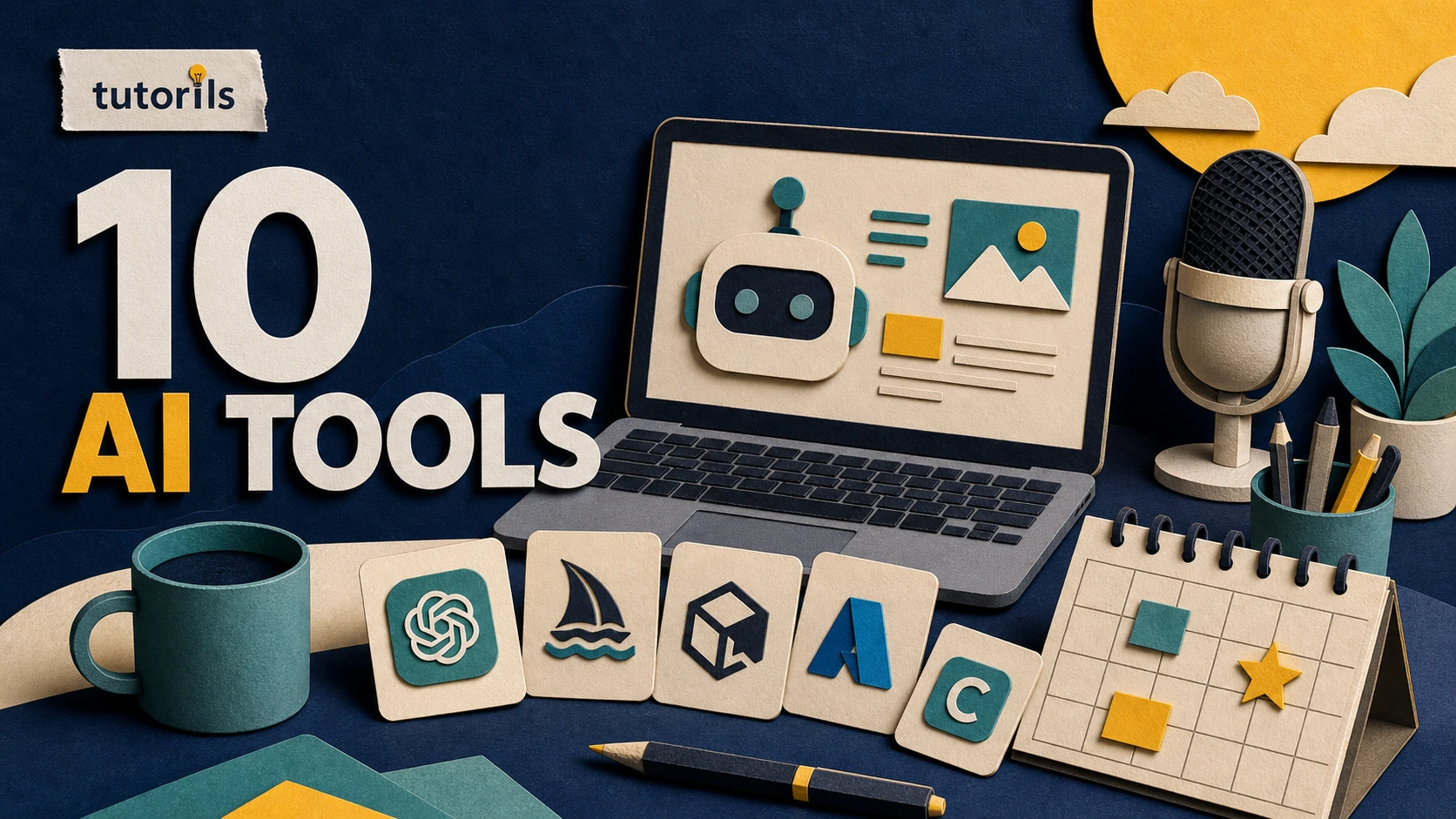
This guide compares ten current tools by practical job rather than hype. Feature access, plans, limits, and regional availability change, so use the linked official documentation before committing money or moving a production workflow. Keep a human editor responsible for facts, permissions, voice, and final publication.
Choose a task before choosing a tool
Write down the bottleneck you want to remove. It might be organizing research sources, creating an outline, removing filler words from a recording, resizing a design, or producing first-draft captions. A vague goal such as make content faster gives you no reliable way to judge the result.
Define a test with one low-risk project. Record the input, time spent, edits required, errors found, output rights, and whether the final result met the publishing brief. Compare that result with your normal process. Do not move private customer material or an entire archive into a new service during the test.
Check five areas before using any AI tool:
- Accuracy: Can you inspect sources or compare the result with an approved reference?
- Control: Can you edit, reject, undo, or export the output?
- Privacy: What data is uploaded, retained, shared, or used for model improvement?
- Rights: Do the terms and source assets permit your intended commercial use?
- Cost predictability: Which actions use credits, minutes, storage, or plan-specific limits?
The Tutorils AI automation safety checklist provides a broader risk review for tools that can access files, accounts, or publishing systems.
1. ChatGPT for briefs, outlines, and revision
ChatGPT can help turn research notes into an outline, show gaps in a procedure, draft alternatives, and revise a selected passage. OpenAI's Canvas help page describes an editing interface where a creator can work directly with longer writing and request changes to specific sections. Search can return current web sources when available, but citations still need manual verification.
A good trial is to provide an approved brief and two primary sources, then ask for an outline without prose. Review whether the structure follows reader questions and whether it adds unsupported claims. Draft one section at a time after approving the outline.
Do not ask ChatGPT to invent a personal story, test result, quotation, or statistic. Protect confidential material and review current Data Controls before uploading files. For a complete editorial process, see how to use ChatGPT for content creation.
Best test: One source-led article outline plus a rewrite of a paragraph you already wrote.
2. NotebookLM for source-grounded research
NotebookLM is useful when the work begins with a known set of documents. Google's NotebookLM overview says users can add supported sources and ask questions grounded in those sources with inline citations. The Studio area can create reports, briefings, audio overviews, mind maps, and other artifacts depending on availability.
Create one notebook for one topic. Upload only documents you are authorized to use, label them clearly, and ask questions that point back to the source. Open the cited passage before copying a claim into a draft. A source-grounded answer can still misunderstand an ambiguous document or miss context outside the uploaded set.
NotebookLM is not a substitute for source selection. If the notebook contains weak or outdated material, a well-organized answer can still be wrong.
Best test: Five primary documents and a table showing which source answers each reader question.
3. Canva Magic Studio for design variations
Canva's Magic Studio groups AI-assisted design features inside Canva. The official Magic Studio introduction describes tools for generating or transforming content and automating parts of a design workflow. The exact features available depend on account, plan, language, and region.
Use it to test layout variations, background changes, resize options, or first-draft visual concepts. Start from your brand kit and an approved content brief. Check logo proportions, fonts, contrast, safe areas, image rights, and small-screen readability before export. AI-generated text inside an image often needs correction.
Do not accept a design because it looks busy or fashionable. Compare it at the actual size where a viewer will see it. For thumbnail decisions, the Tutorils guide to realistic blog thumbnails that get clicks explains a controlled review process.
Best test: Three versions of one approved layout, judged at mobile card size.
4. Adobe Firefly and Express for generated assets
Adobe Firefly can generate and edit visual assets, while Adobe Express can assemble and adapt content for common formats. Adobe's Firefly FAQ explains current capabilities, account requirements, generative credits, and Content Credentials. Read the current terms for the feature and plan you use before commercial publication.
A sensible trial is a non-sensitive background or illustrative element, not a real person's face or a product detail that must be exact. Inspect text, hands, logos, architecture, cultural symbols, and any object that carries factual meaning. Preserve the prompt, output, edits, and license record.
Use generated media as an editable source, not automatic evidence of a real event. Label an illustration when readers could mistake it for a photograph or screenshot.
Best test: One background concept that will be combined with human-designed typography and checked for Content Credentials.
5. Descript for transcript-based audio and video editing
Descript lets creators edit recorded audio and video through a transcript. Its current Underlord documentation describes an AI co-editor that can work on scripts, captions, clips, sound, layouts, and other project elements. Descript also warns that the tool can make incorrect assumptions and works best with clear instructions and regular checks.
Test it on a duplicate project. Ask for one bounded action such as removing obvious filler words, identifying three short clips, or adding captions. Listen through every edit. Transcript changes can alter pacing, meaning, speaker attribution, or the cut itself.
Check usage units before running repeated generations. Keep the original recording and project export outside the tool.
Best test: A five-minute duplicate recording with a transcript correction and one short clip.
6. Grammarly for line editing and tone checks
Grammarly's generative AI support guide describes tools for composing, rewriting, ideating, and replying across supported products. Traditional grammar suggestions and generative rewriting are different actions, and availability can vary by app and organization settings.
Use Grammarly after the facts and structure are stable. Select a paragraph and ask for clarity or brevity, then compare the revision with the original. Watch for removed qualifications, changed technical meaning, flattened voice, or a stronger claim than the source supports.
Accepting every suggestion can make different writers sound alike. Build a style guide for preferred terms, capitalization, contractions, and exceptions. The editor, not the score, decides whether a sentence belongs.
Best test: A 500-word approved draft with tracked decisions on each suggested change.
7. Notion AI for workspace-based drafting
Notion AI works inside a Notion workspace and can use page context, connected sources, and enabled search features. The current Notion AI FAQ describes writing, editing, summarizing, research, database, meeting, and connector capabilities. Plan and administrator controls affect what is available.
It can be useful when briefs, source notes, calendars, and approvals already live in Notion. Ask it to summarize an approved research page, populate non-sensitive metadata, or convert a brief into a checklist. Review workspace permissions before connecting other services because the quality of an answer and the sensitivity of accessible information are separate concerns.
Do not let a generated summary replace the underlying research record. Keep links to the original sources and the named reviewer.
Best test: One editorial brief converted into assigned tasks without changing factual content.
8. Microsoft Designer for quick visual concepts
Microsoft Designer is a generative design and image-editing tool available through Microsoft products. Microsoft's Designer FAQ explains text-to-image and design features, brand elements, responsible AI controls, and data handling at a general level.
Use it for mood boards, visual directions, or a first layout when the brief does not require exact product representation. Test whether the output respects brand colors, typography, safe areas, and the content hierarchy. Inspect generated images for visual errors and third-party rights.
A fast concept is not a final campaign asset. Rebuild or refine the approved direction in a controlled design file, then export the dimensions and format required by the publishing platform.
Best test: A three-concept mood board based on a fixed palette and two-word message.
9. YouTube Dream Track for experimental soundtracks
YouTube's Dream Track help page describes an experimental tool for generating soundtracks for Shorts and image posts from a text prompt. Availability, supported devices, languages, regions, and remix behavior can change. Generated tracks receive a label in the YouTube experience.
This tool fits creators publishing directly in supported YouTube workflows. Check whether the intended video, account, location, and export route are eligible. Preview the result with narration, verify that it does not obscure speech, and review the current rights and remix conditions before publishing.
Do not build a cross-platform music library around a feature whose permissions are tied to a particular service without reading the current rules.
Best test: One private or unlisted Short using a generated instrumental under a spoken track.
10. Grok for public conversation research
Grok can search public X posts and the web when the relevant capability is available. The xAI Consumer FAQ describes research, writing, image, document, and privacy controls for the consumer product. Public posts can reveal reader wording and emerging questions, but engagement does not prove factual accuracy.
Ask Grok to separate primary sources, public claims, and its own synthesis. Open every cited page. Remove personal details when you need only the question pattern, and do not turn a stranger's complaint into a case study without sufficient evidence and permission.
Review training, personalization, Private Chat, sharing, and deletion controls for the product surface you use. The detailed Tutorils Grok content creation guide covers that editorial boundary.
Best test: A dated list of five audience questions, each linked to an authoritative source rather than only an X post.
Match the tool to the job
| Creator task | Tools worth testing | Human checkpoint |
|---|---|---|
| Source-led research | NotebookLM, ChatGPT, Grok | Open and verify every primary source |
| Outlines and drafts | ChatGPT, Notion AI | Approve the brief, structure, and claims |
| Line editing | Grammarly, ChatGPT | Preserve meaning, qualifications, and voice |
| Static visual concepts | Canva, Adobe Firefly, Microsoft Designer | Check rights, brand rules, accuracy, and legibility |
| Recorded audio and video | Descript | Watch and listen through the complete export |
| Platform-specific music | YouTube Dream Track | Check current availability, labels, and usage rules |
This table is a starting point, not a winner list. The same task can require different tools depending on where the source material lives, who can access it, and how the final content will be distributed.
Run a seven-day tool trial
Use the same small project for every candidate that claims to solve the same problem. Day one records the current manual process. Days two and three test the tool on copied, non-sensitive material. Day four checks privacy, rights, exports, and account controls. Day five measures corrections and rework. Day six asks another editor to review the output without being told which method created it. Day seven records the decision.
Keep the tool only if the tested benefit survives review. A faster draft that takes longer to fact-check has not improved the workflow. A visual generator that produces unusable text or uncertain rights has not removed design work.
Record a simple decision: adopt for a defined task, keep testing, or reject. Add a review date because tools, terms, and plans change.
Build a small stack instead of collecting subscriptions
Most creators do not need ten active AI subscriptions. A practical stack may contain one research and writing assistant, one design tool, and one audio or video editor. Use ordinary non-AI tools when they are clearer, cheaper, or easier to control.
Connect tools only after each one passes its own test. Automation increases the cost of a mistake because an unsupported claim or wrong asset can move through several systems before anyone sees it. Keep a human approval point before publication, payment, account changes, or messages sent to an audience.
The right AI tool is the one that performs a narrow, repeatable job and leaves enough evidence for a person to review. Start with the bottleneck, test with safe material, measure rework, and keep only the tools that make the final content more dependable.
Reader answers
Frequently asked questions
Open a question to read the answer. Opening another answer closes the previous one.
What is the best AI tool for content creators?
There is no universal winner. Choose a tool for one defined task, test it on safe material, measure corrections and rework, and review privacy, rights, export, and usage limits before adopting it.
Do content creators need several AI subscriptions?
Usually not. Start with one research or writing assistant and the design or editing tool your main format requires. Add another subscription only when a measured workflow gap justifies it.
Can AI tools publish content without human review?
They can automate parts of publishing, but keep a human approval point before anything goes live. Verify facts, rights, links, formatting, account settings, and the final audience-facing version.
Which AI tool is useful for source-based research?
NotebookLM can answer from an uploaded source set, while ChatGPT and Grok may search the web when available. In every case, open the cited primary source and verify the claim yourself.
Which AI tool can help edit a video transcript?
Descript supports transcript-based audio and video editing and offers AI-assisted actions. Test on a duplicate project and watch the complete export because transcript edits can change timing, meaning, or speaker attribution.
Are AI-generated images safe for commercial use?
Check the tool's current terms, source assets, trademarks, likenesses, disclosure rules, and your intended use. Inspect the output for errors. A service permission does not guarantee freedom from third-party rights.
How should I test an AI content tool?
Use one low-risk project and record the input, time, edits, errors, rights, privacy controls, and output quality. Compare it with your normal process before moving real production work.
Can AI tools replace a content editor?
AI can assist with drafts, summaries, and variations, but it cannot own editorial accountability. A person should approve the brief, sources, claims, voice, permissions, and final publication.
How often should I review my AI tool stack?
Review it after major feature or policy changes and on a regular schedule. Check whether the tool still saves reviewed time, whether costs changed, and whether privacy or rights terms still fit the work.
Is a list of AI tools from 2025 still current?
Tool names may remain useful, but features, plans, and availability change quickly. Use the article's fact-check date and open each official source before making a purchasing or workflow decision.