Publishing should become harder as a claim becomes riskier, not as an article becomes longer. A recipe for changing a wallpaper setting needs a lighter review than a guide about taxes, account security, or a paid product. A useful editorial checklist recognizes that difference while giving every article a dependable minimum review.
How to Create an Editorial Review Checklist
Build a practical editorial checklist for purpose, risk, evidence, originality, accessibility, disclosures, page testing, approval, and future review.
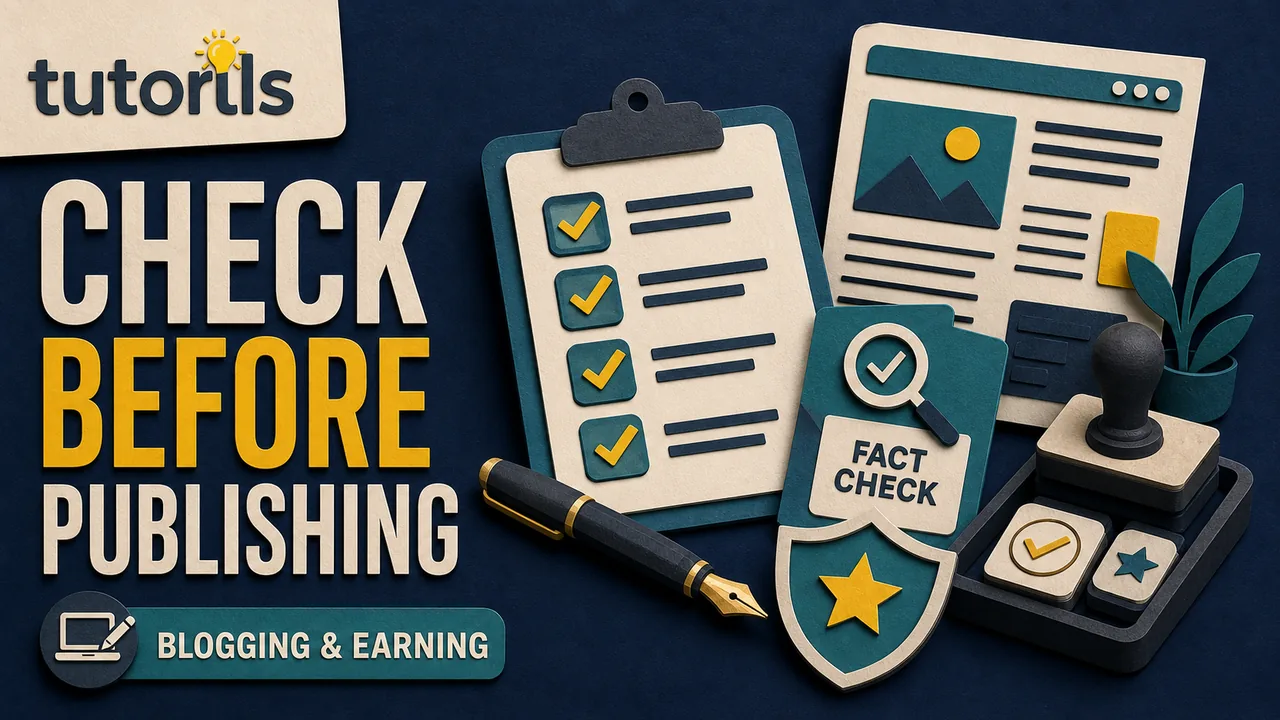
The checklist below is designed for practical blogs with tutorials, comparisons, product mentions, affiliate links, and time-sensitive facts. It helps an editor decide whether a draft is accurate, useful, readable, accessible, and ready for the public. It also creates a record of what was checked. It does not promise search traffic, approval from an advertising platform, or protection from every mistake.
Begin with a one-sentence article promise
Before reviewing individual sentences, write down what the article promises to help the reader do. Keep this sentence outside the published copy.
For example:
A first-time Android user can identify what is filling storage, protect important files, remove safe clutter, and confirm that the phone still has the files they need.
This promise gives the review a practical standard. Every major section should either help the reader reach that outcome or explain a limitation that prevents harm. A section that does neither may be filler.
Compare the promise with the title, introduction, headings, conclusion, and call to action. They should describe the same job. If the title promises a complete setup while the article only describes one setting, fix the mismatch. Do not solve it by adding exaggerated words to the title.
A strong brief makes this check easier. The Tutorils SEO content brief template shows how to define intent, evidence, and scope before drafting. During review, treat the brief as a hypothesis rather than a command. The finished article must serve the reader even when the draft reveals that the original outline was incomplete.
Assign the article a risk level
Use a simple low, medium, or high risk label. The label determines how much evidence and specialist review the article needs.
Low-risk content includes basic interface organization, creative workflows, and general productivity habits. Medium-risk content includes purchases, subscriptions, privacy settings, account recovery, and software recommendations. High-risk content includes health, law, finance, government services, employment rights, and steps that could cause permanent data loss.
Risk also rises when information is current only for a certain country, operating-system version, account type, product plan, or date. A harmless-looking menu path can still mislead readers if the interface has changed.
Record the risk and the reason. For high-risk claims, require a qualified reviewer or narrow the article so it explains official options without pretending to replace professional advice. A disclaimer cannot repair inaccurate instructions.
Review the answer before polishing the prose
Read only the title, introduction, headings, first sentence under each heading, and final checklist. This quick pass reveals whether the article has a clear route.
Check that:
- The introduction gives the main answer early.
- Prerequisites appear before irreversible steps.
- The main process follows the order a reader will use.
- Warnings sit beside the action that creates the risk.
- Verification comes after the process.
- Troubleshooting covers the most likely failure paths.
Do not hide the solution beneath a long history of the topic. Background belongs only where it changes a decision. If a reader must identify an account owner before changing a setting, explain that dependency near the beginning.
Google's current people-first content guidance asks whether a reader will leave feeling they learned enough to achieve a goal. It also recommends clear sourcing, accurate authorship, and honest explanations of how content was produced when that context helps readers. Those are useful editorial questions, not a promise that a page will rank.
Build a claim and source ledger
Highlight every statement that could change or cause a reader to make a consequential decision. Examples include prices, plan features, eligibility, dates, statistics, menu paths, security behavior, warranty terms, product compatibility, legal requirements, and quotations.
For each claim, record:
| Claim | Best source | Checked date | Scope or limitation | Review trigger |
|---|---|---|---|---|
| Current subscription price | Official pricing page | Review date | Country, tax, plan | Price change |
| Required identity document | Government service page | Review date | Applicant type | Policy update |
| Browser feature availability | Official support page | Review date | Version and device | Major release |
Open every source. A link in research notes is not evidence that an editor checked it. Confirm that the source supports the exact sentence, not merely the general topic. Prefer an official product page, government page, standard, original dataset, statute, or first-party documentation for facts that can change.
Keep the limitation in the article when it affects the reader. Write "on supported Android devices" if support is not universal. Do not turn one vendor's process into a rule for every vendor.
Remove claims that cannot be verified and are not necessary. Replacing an unsupported number with "many" does not make it reliable.
Check dates without pretending an old page is new
Verify the visible publication date and the last-updated date. An update date should reflect a meaningful change to the public content, not a routine CMS save.
Google's byline date guidance recommends a prominent visible date and consistent date information. It says dates should describe the publication or update of the page, not an event discussed in the article. It also warns against future dates.
During review, note which facts need another check and when. Product instructions may need review after a major release. An annual planning method may remain accurate longer. A legal or financial guide should have a shorter review interval and a clear escalation path when policy changes.
Do not change the year in a title without reviewing the article. A fresh year attached to old instructions creates false confidence.
Test originality and editorial contribution
Source-supported content still needs its own purpose and reasoning. Compare the draft with its source material. It must not copy distinctive wording, reproduce a merchant description, or combine several articles into a lightly rephrased summary.
Look for the publication's contribution:
- a safer order of operations
- a verification step that official documentation assumes
- a decision table that explains when options differ
- a troubleshooting path based on common failure points
- a plain-language explanation of a technical limitation
If the article used an automated writing tool, review every factual statement and link. The Tutorils guide to blogging with AI safely explains a human-led process for sources, fact checking, originality, and disclosure when appropriate. Tool use does not make a draft correct, and human editing does not make unsupported claims safe.
Google's spam policies define scaled content abuse as producing many pages mainly to manipulate rankings rather than help users. Review each article as an individual publication. A passed template cannot substitute for original value.
Inspect headings, links, tables, and language
Headings should describe the topic or purpose of the section. The W3C explanation of descriptive headings and labels notes that clear headings help people orient themselves, including readers with cognitive or visual disabilities.
Read the heading list without the paragraphs. Remove near duplicates. Make sure an H3 belongs under its H2 and that a visual heading is marked as a heading in the CMS.
Check every link for four things:
- The destination loads.
- The anchor explains why it is relevant.
- The destination supports the nearby statement.
- The link does not interrupt a critical instruction.
Internal links should extend the reader's task. The Tutorils guide to planning internal links explains how to choose prerequisites and next steps before publication. Do not insert a link solely because its anchor contains a desired phrase.
Review tables on a narrow screen. Give columns clear headers, avoid placing a paragraph inside every cell, and repeat important safety information in nearby text when the table could become difficult to navigate.
Replace jargon that does not improve precision. Define necessary terms at first use. Read the draft aloud to catch repeated phrases, abrupt transitions, padded summaries, and instructions that omit the subject.
Review images and non-text content
Every informative image needs a purpose. Confirm that the image is licensed or owned, properly sized, and relevant to the surrounding section. Decorative images should not receive inflated descriptions.
Alt text should communicate the information a reader needs from the image in that context. It should not repeat a nearby caption word for word or contain a list of search phrases. A screenshot showing a specific button may need the button name and its location. A decorative texture may use empty alt text when the frontend supports it correctly.
Check charts for labels, units, source, date, and a text explanation of the important conclusion. Do not rely on color alone to distinguish categories. Review captions for claims that do not appear elsewhere in the source ledger.
If an image does not teach, verify, or orient, removing it may improve the page.
Protect commercial trust
Mark every affiliate link, sponsored statement, free product, discount, and commercial relationship during review. The editor should be able to see where money could influence the page.
The US Federal Trade Commission's endorsement guidance says a material relationship should be disclosed clearly and conspicuously so readers can judge the endorsement. It advises placing the disclosure close to the recommendation or link. The words "affiliate link" alone may not explain that the publisher can earn money.
The article should remain useful to a reader who does not buy. Include selection criteria, limitations, non-commercial alternatives, or an official route where relevant. Do not claim that a product is best without a defined comparison and evidence.
Check that advertisements are visually separate from editorial content. Remove calls to action that imitate a system warning, official download button, or required next step.
Keep private instructions out of public copy
Search phrases, prompts, target word counts, editorial comments, source ledgers, image prompts, and approval notes belong in private fields. Search the final body for phrases such as "main keyword," "SEO checklist," "editorial note," "insert link," and "add image here."
Public copy should speak to the reader. Metadata should accurately summarize that copy without appearing as a visible block at the top of the article.
Review the author name and bio. The person credited should match the actual editorial responsibility. If a specialist reviewed a high-risk section, record that review accurately rather than implying credentials the team does not have.
Verify the page in its real layout
Preview the article on desktop and a narrow mobile screen. The CMS editor is not proof of the published layout.
Test:
- heading order and spacing
- link targets and visible focus states
- tables and long words at narrow widths
- captions and alt text
- accordions with keyboard input
- calls to action and forms
- author, category, dates, and related links
- the featured image crop in article cards and social previews
Open the page with a slower connection if practical. A large asset may push the answer far below the title or make controls move while the page loads.
If FAQs are included, make sure each question answers a distinct reader need and the accordion works without relying on FAQPage markup. The answer should remain available to users and not exist only for search engines.
Use a two-person approval when the risk warrants it
The writer should complete a self-review before handing the draft to an editor. The editor should be able to challenge the premise, remove sections, and return the article for more research.
For medium-risk content, require a second person to verify the most consequential steps and sources. For high-risk content, use a qualified subject reviewer or narrow the scope. Record the reviewer, date, decision, and unresolved limitation.
Use clear approval states:
- Draft: the writer is still working.
- Review required: the draft is complete but unapproved.
- Changes required: a reviewer found a blocking issue.
- Ready except for asset: copy has passed but an approved asset is missing.
- Ready to publish: all required checks passed.
Never label an article ready merely because its scheduled time is close.
Copy this compact editorial checklist
Purpose and structure
- The article promise matches the title and introduction.
- The answer appears early.
- Prerequisites precede risky actions.
- The process has verification and troubleshooting.
- Every section helps the reader complete the promised task.
Evidence and safety
- Changing or consequential claims appear in the source ledger.
- Primary sources support the exact claims.
- Dates, prices, plans, versions, and jurisdictions are qualified.
- Unsupported claims are removed.
- The risk level has the required reviewer.
Originality and trust
- The article adds a clear editorial contribution.
- Source wording is not copied or lightly disguised.
- Authorship and review credits are accurate.
- Affiliate and sponsored relationships are disclosed near recommendations.
- Private production notes do not appear in public copy.
Readability and accessibility
- Headings describe their sections and follow a logical order.
- Links have useful anchors and working destinations.
- Tables work on narrow screens.
- Images have appropriate rights, captions, and alt treatment.
- Instructions use plain, specific language.
Publication and maintenance
- Title, description, slug, category, author, and visible dates are correct.
- The page passes desktop and mobile preview.
- Forms, accordions, downloads, and calls to action work.
- Internal links lead to genuine next steps.
- A review trigger and owner are recorded.
Keep a short approval record
Save the result beside the article record, not inside the public body. A useful approval note includes the checklist version, risk level, editor, fact-check date, sources checked, changes required, unresolved limitations, asset status, and final decision.
When an article changes substantially, run the relevant checks again. The Tutorils guide to updating old blog posts explains how to review intent, evidence, broken links, and consolidation options without changing a date merely to appear fresh.
A checklist works when it makes weak claims visible and gives someone authority to stop publication. Keep it short enough to use, strict enough to protect readers, and flexible enough to demand more review when the subject carries more risk.
Reader answers
Frequently asked questions
Open a question to read the answer. Opening another answer closes the previous one.
What is an editorial review checklist?
It is a repeatable set of checks for purpose, structure, claims, sources, originality, accessibility, commercial disclosures, page behavior, approval, and future updates before an article reaches readers.
Who should complete the editorial checklist?
The writer should complete a self-review, then an editor should challenge the draft and verify risky claims. High-risk health, finance, legal, safety, or government content may need a qualified subject reviewer.
How long should an editorial review take?
There is no universal duration. Review effort should rise with claim risk, article complexity, source volatility, and potential harm. A short high-risk guide may need more review than a long low-risk tutorial.
What claims need primary sources?
Prioritize prices, eligibility, dates, statistics, laws, security behavior, product features, compatibility, medical or financial claims, quotations, and any instruction that could cause loss, cost, or harm.
Should an editor change the article date after every edit?
No. Use an updated date when public content changes meaningfully. A routine CMS save, typo correction, or metadata adjustment should not make old instructions appear newly reviewed.
How should affiliate links be reviewed?
Confirm that the recommendation is supported, the relationship is disclosed clearly near the link, the article remains useful without a purchase, and the call to action cannot be mistaken for an official or required step.
What accessibility checks belong in editorial review?
Review descriptive headings, logical structure, meaningful link text, useful alt treatment, labeled tables, captions, keyboard-accessible controls, narrow-screen readability, and instructions that do not depend on color alone.
Should SEO notes appear in a published article?
No. Search phrases, word-count targets, prompts, source ledgers, image prompts, and approval comments belong in private CMS fields. Public copy should address the reader directly.
When is an article ready to publish?
It is ready only when required copy, fact, accessibility, disclosure, functional, and asset checks pass. A deadline or scheduled time does not make an incomplete article ready.
How often should the checklist be updated?
Review the checklist when site features, advertising practices, regulations, browser behavior, accessibility requirements, or editorial risks change. Record a checklist version so old approvals can be understood later.