A transcript is not yet a useful note. It may preserve every pause, repeated phrase, false start, and recognition error while hiding the decision or idea that matters. Turning voice into writing requires a second step: check the recording, extract the useful meaning, and place it where future work can find it.
How to Turn Voice Notes into Useful Written Notes
Turn voice notes into useful writing by choosing the needed output, checking permission, transcribing with the right tool, verifying risky details, and extracting actions and decisions.
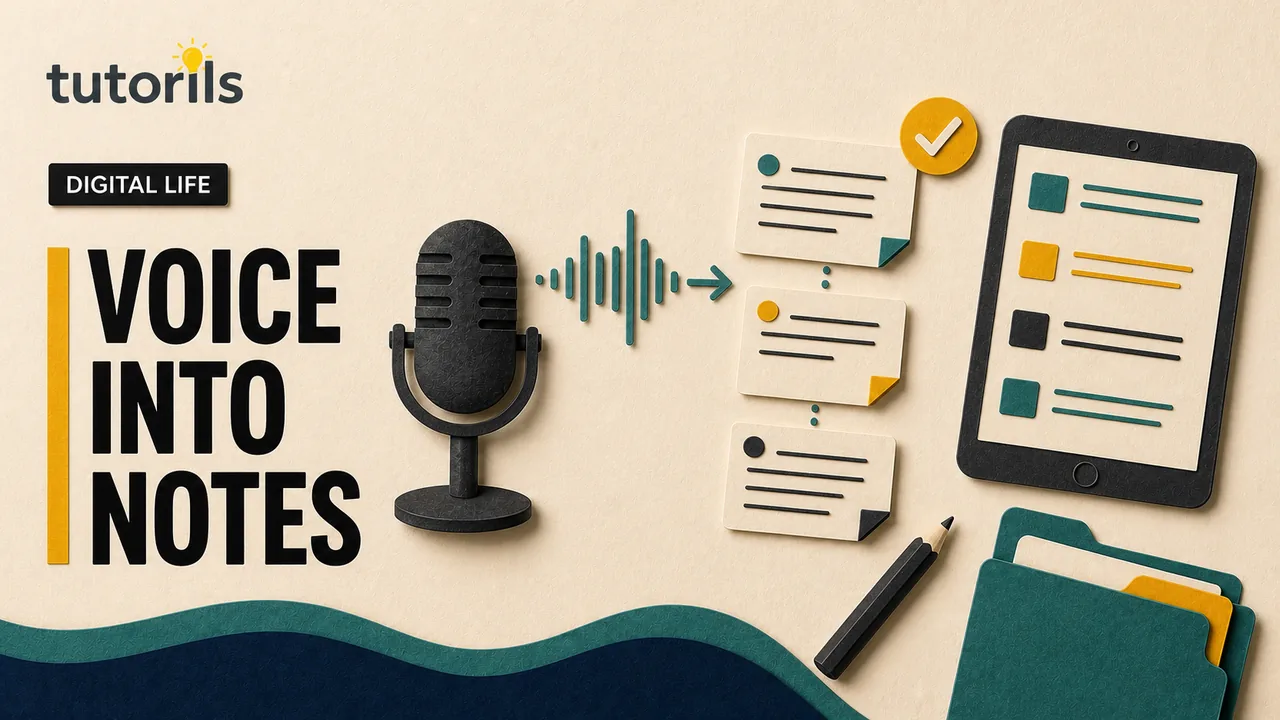
This workflow works for personal ideas, project updates, meeting notes created with permission, dictated drafts, and research observations. The right transcription tool depends on the device, supported language, privacy requirements, and whether the audio can leave the device or organization.
Decide what the written note must do
Before transcribing, name the output. A meeting decision needs different treatment from a private reflection or a draft paragraph.
Choose one result:
- an action with an owner and date
- a decision with reason and participants
- a reference note for future work
- a draft that still needs editing
- a quotation that requires exact verification and permission
- a summary for someone who will not hear the audio
Write that result at the top of the working note. It keeps the transcription from becoming the objective.
For example, use Output: confirm the launch decision and list two assigned actions rather than Output: transcribe the meeting. The full transcript may support the task, but it should not decide the final structure.
The Tutorils guide on organizing notes without building a second job can help you choose the final home. Keep the processing workflow smaller than the work it supports.
Check permission and sensitivity first
Do not upload a recording until you know you are allowed to record, retain, and process it. Laws, contracts, employment rules, and participant expectations differ.
Ask:
- Did everyone know the recording was being made where consent was required?
- Does the recording contain personal, medical, financial, legal, employment, or confidential business information?
- Is an external transcription service approved for this material?
- Will the provider store the audio or use account data in a way the organization prohibits?
- Who is allowed to read the transcript?
- When should the audio and transcript be deleted?
If the recording contains passwords, authentication codes, payment-card data, identity documents, or recovery phrases, do not place it in a general note system. Remove exposed secrets through the proper security process and replace them if necessary.
Consent to record a discussion does not automatically grant permission to publish the transcript or quote a participant publicly. Confirm the intended use separately.
Preserve the original before editing
Work from a copy when the audio has lasting value. Keep the original file unchanged until the written note is verified.
Record:
- file name
- recording date and timezone when relevant
- people or project involved
- device or source
- consent or access restriction
- transcript tool and processing date
- retention date
This small source record lets a reviewer trace the note back to the audio. It also prevents an edited clip from being mistaken for the original.
For important recordings, verify a recoverable backup. Seeing the file on two synced devices is not proof of backup because deletion can sync too. The Tutorils guide on free cloud backup for phone and laptop files explains how to test recovery.
Choose a transcription route that fits the risk
Built-in tools can reduce file movement, but their features still vary. Check the current documentation for the exact device and software version.
Apple documents transcription in Voice Memos on supported iPhone models and languages. Google describes recording, transcription, search, and sharing in the Recorder app on supported Pixel devices. Microsoft documents its Transcribe feature in Word, including account and usage considerations that can change by plan and platform.
Before selecting a route, check:
- supported language and region
- speaker identification, if needed
- whether processing happens on the device or through a service
- upload and duration limits
- file formats
- storage and deletion controls
- export options
- accessibility of the editor
Do not select a service only because it promises a high accuracy percentage. Accuracy depends on the recording, language, vocabulary, speakers, and environment. Test a non-sensitive sample that resembles the real material.
Improve the audio before transcription
Better source audio reduces correction work. If the note has not been recorded yet, move closer to the microphone, reduce background noise, and ask speakers not to talk over one another. State unusual names and technical terms clearly.
For an existing file:
- confirm that the audio plays from beginning to end
- use the original rather than a compressed message-forward when possible
- note sections with severe noise or missing audio
- split a very long recording only if the tool requires it or the sections have clear boundaries
- preserve the original before trimming
Do not apply aggressive noise removal that makes speech harder to verify. Keep a record of any material edit.
If the recording is a personal idea, begin with a spoken project name and output. That habit gives a transcript useful context even when the file name is poor.
Generate a working transcript
Import or open the recording according to the official instructions for the selected tool. Choose the correct language before processing when the option exists.
Treat the result as a working layer. Do not overwrite the audio or publish the transcript directly.
Save the working transcript with a clear name:
Project - recording subject - raw transcript - date
If the tool adds speaker labels, confirm them. Automatic labels can swap speakers after interruptions or similar voices. If speaker identity matters, use neutral labels until a person verifies the names.
Keep timestamps when the note may need fact checking, quotation review, or dispute resolution. For an informal idea, timestamps may add clutter. Preserve at least a source link or recording identifier.
Verify the risky details first
Do not correct every filler word before checking facts that could change an outcome. Listen to the relevant audio for:
- names and organizations
- dates, times, and deadlines
- prices and quantities
- addresses and contact details
- commitments and approvals
- safety instructions
- legal, medical, or financial terms
- direct quotations
Mark unclear audio as unclear. Do not guess a number or name because it seems plausible. Ask the speaker or leave a visible verification task.
Use a notation such as [unclear at 04:18] in the working transcript. Resolve it before the final note if the detail matters. If it does not matter, omit the passage rather than pretending certainty.
Remove speech clutter without changing meaning
People speak differently from how they write. Remove repeated starts, filler, and side comments that do not affect the result. Combine sentences when the spoken version circles the same point.
Do not polish a person's words into a stronger claim. Keep uncertainty, conditions, and disagreement.
Spoken:
I think, maybe, if the supplier confirms by Wednesday, we could probably move the launch to Friday, but I need to check with Nina.
Written note:
Provisional option: move the launch to Friday if the supplier confirms by Wednesday and Nina approves.
That sentence preserves the conditions. Launch moved to Friday would create a decision that nobody made.
For a direct quotation, do not paraphrase inside quotation marks. Verify the exact words against the recording, include enough context to avoid misrepresentation, and confirm permission for the intended use.
Extract actions into an action list
Scan the verified transcript for verbs that indicate work: send, review, decide, call, draft, approve, test, or schedule. Convert each real commitment into an action containing:
- action
- owner
- due date or trigger
- project
- source timestamp when useful
- status
Example:
Ravi will send the revised mobile navigation prototype by 4 September. Source: design review recording at 12:40.
Do not assign an owner who was only mentioned. If ownership was unclear, write Owner to confirm and raise it with the team.
Move confirmed actions to the main task system. Leaving them only in meeting notes makes them easy to miss. The guide on choosing one task manager explains how to avoid splitting tasks across several tools.
Record decisions separately
A decision note should answer:
- what was decided
- who had authority or agreed
- why the choice was made
- which alternatives were considered
- what conditions or review date apply
- where the source can be checked
Do not bury the decision halfway through a chronological transcript. Put it near the top of the final note and link to the evidence.
If the group discussed an option without agreeing, label it proposal or open question. Spoken confidence is not the same as formal approval.
For recurring decisions, maintain a simple decision log. This stops teams from reopening the same question because nobody can find the previous conclusion.
Turn ideas into atomic reference notes
A long recording may contain several reusable ideas. Create one written note per idea when those ideas will be searched independently.
Each note needs:
- a title that describes the idea
- the concise explanation
- the project or topic
- the original recording and timestamp
- links to related evidence
- a status such as draft, checked, or published
Do not split so aggressively that the context disappears. A note should contain enough background to make sense six months later.
Tags can help when they reflect stable subjects. Avoid inventing a new tag for every phrase. Searchable titles and links to a project often do more work than a large taxonomy.
Create a useful meeting summary
For a recorded meeting, write the final note for someone who was absent. A practical structure is:
- Purpose and date
- Participants
- Decisions
- Actions with owners and dates
- Open questions
- Evidence or links
- Recording and retention details
Do not write a minute-by-minute narrative unless the organization requires formal minutes. Most teammates need the outcome and a way to verify it.
Send the summary through the agreed work channel. The Tutorils guide on writing clearer work messages can help you make the request, owner, and timing visible.
Ask participants to correct mistakes by a specific time when the decision is important. Silence should not be treated as consent unless that process was already agreed.
Turn dictated material into a draft
Dictation can capture tone and momentum, but spoken structure often repeats or wanders. Treat it as raw material.
First, state the intended reader and point. Then group the transcript by idea rather than recording order. Remove instructions spoken to yourself, repeated examples, and claims that lack a source.
Check every fact introduced during dictation. Speaking confidently does not make a memory accurate. Add primary sources for changing product instructions, rules, dates, or prices.
Read the edited draft aloud. It should sound natural without retaining every spoken filler. Vary paragraph length and keep real qualifications. Do not convert a personal observation into a universal claim.
Preserve source links and review dates
The final note should point back to the recording when the audio may be needed. Use an internal link, protected file path, or recording identifier that authorized people can open.
Record the transcription date and reviewer. If the note becomes a public article, add the factual review date for changing claims and link to current primary sources.
Do not use a public share link for confidential audio. Check link permissions in a private browser window or with a test account that has the intended access level.
When a recording comes from research, keep the original source details as well. A speaker's mention of a report is not a substitute for finding and reading that report.
Design for accessibility
Written notes can make audio accessible to people who cannot hear it, prefer text, search for a detail, or use translation tools. They should not introduce barriers of their own.
Use descriptive headings and real lists. Identify speakers consistently. Explain meaningful sounds when they affect understanding. Avoid using color alone to mark decisions or corrections.
If publishing a transcript, offer the audio only when rights and privacy allow it. Provide a correction route. Do not claim the transcript is exact if it was edited for clarity.
Review privacy after processing
Transcription creates more copies: uploaded audio, a provider transcript, downloads, project notes, exports, and backups. List where each copy exists.
After verification:
- delete temporary exports that are no longer needed
- remove public or broad share links
- restrict the final note to the intended audience
- follow the agreed retention date
- confirm deletion behavior across synced devices
- keep the original only when there is a defined reason
Do not delete a record that must be retained for legal, employment, research, or contractual reasons. Follow the responsible organization's policy.
Use a final quality check
Before marking the note complete, confirm:
- the purpose is clear at the top
- names, numbers, dates, and quotations were checked
- uncertainty remains visible
- actions have owners and dates
- decisions are separated from proposals
- the source recording can be traced by authorized people
- access and retention match the material's sensitivity
- the note is stored in the main project system
- temporary files were handled deliberately
- a future reader can understand the result without replaying everything
Add this check to a regular review. The Tutorils weekly review workflow can include unprocessed recordings and draft transcripts.
Voice capture saves time only when useful information leaves the recorder. Preserve the source, verify risky details, extract the outcome, and put the written note where the next decision will happen. Then keep or delete the audio according to a clear reason rather than habit.
Reader answers
Frequently asked questions
Open a question to read the answer. Opening another answer closes the previous one.
Is a transcript the same as a written note?
No. A transcript follows the spoken recording, including repetition and errors. A useful note extracts the verified action, decision, idea, or summary and keeps enough source context for checking.
Which voice transcription tool should I use?
Choose a tool that supports your device, language, file type, privacy requirements, export needs, and account. Check current official documentation because availability and limits can change.
How accurate is automatic voice transcription?
Accuracy varies with language, accent, microphone distance, noise, speaker overlap, and vocabulary. Always verify names, numbers, dates, commitments, quotations, and other details that could change an outcome.
Should I keep the original audio after transcription?
Keep it until the written note is checked. Retain it longer only when consent, project evidence, research, policy, or another defined purpose requires it. Follow the applicable retention rules.
Can I transcribe a meeting without permission?
Recording and transcription rules vary by location, workplace, and setting. Confirm permission and the intended use before recording or uploading audio. Permission to record may not include permission to publish.
How do I turn a transcript into action items?
Find real commitments, then write each action with a clear verb, owner, date or trigger, project, and source timestamp when useful. Mark unclear ownership for confirmation rather than guessing.
How should decisions appear in written notes?
Record what was decided, who agreed or had authority, why, which conditions apply, and where the source can be checked. Label unapproved ideas as proposals or open questions.
What should I do when part of a recording is unclear?
Mark the passage as unclear with a timestamp. Ask the speaker or replay the source. If the detail matters, resolve it before finalizing; if it does not, omit it rather than guessing.
Is cloud transcription safe for confidential audio?
Safety depends on the service, configuration, contract, account, and data. Use only approved tools, review storage and deletion controls, restrict access, and avoid uploading sensitive recordings without authorization.
How do I clean up files after transcription?
Remove temporary exports, revoke broad share links, keep the verified final note in its main system, and delete or retain the audio according to consent, policy, and a documented purpose.