Spam calls range from unwanted sales pitches to scams that copy a bank, delivery company, government office, or family member. You may not be able to stop every call, because callers can change numbers and fake caller ID. You can still reduce interruptions, screen unknown callers, block repeat numbers, and report patterns without cutting yourself off from important calls.
How to Stop Spam Calls on Android and iPhone
Reduce spam calls on Android and iPhone with built-in filtering, careful screening, carrier tools, verified callbacks, reporting, and false-positive checks.
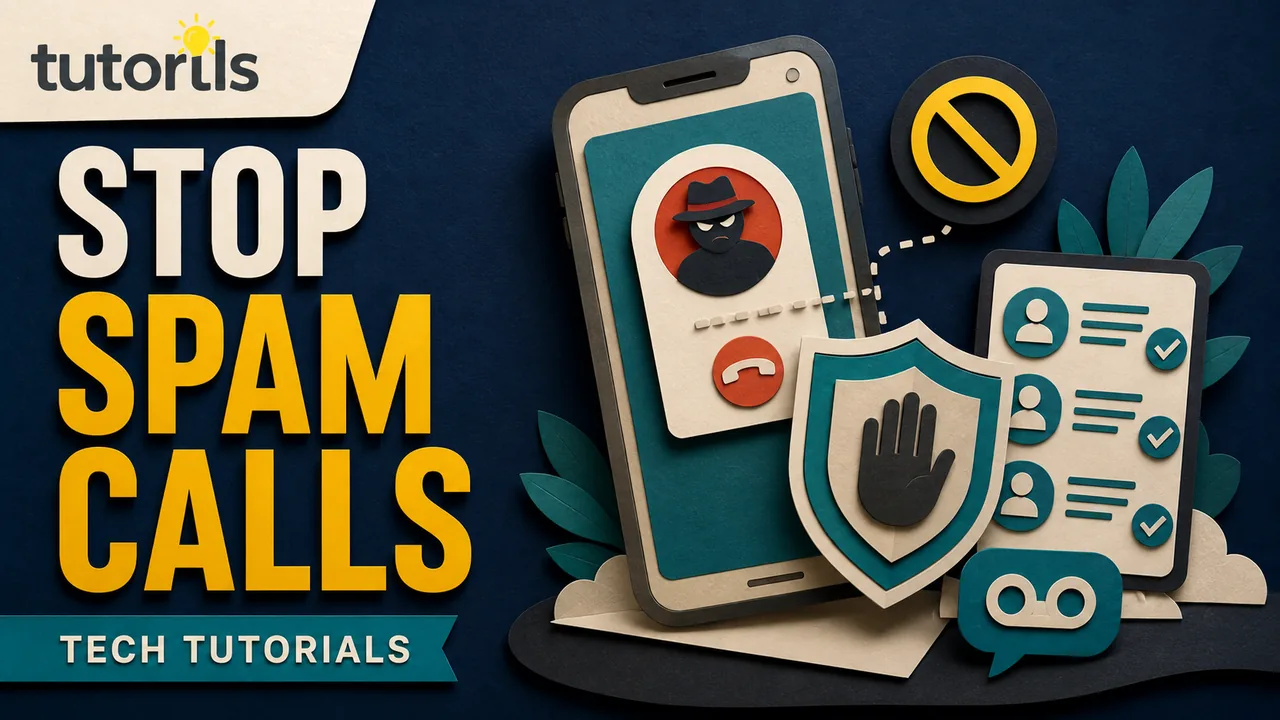
The right setup balances filtering with reachability. A doctor, school, delivery driver, recruiter, or local service may call from a number you have not saved. Start with caller identification and labeling, then increase filtering if the volume remains disruptive.
Do not trust caller ID by itself
The name and number on the screen are clues, not proof. The FTC explains in its phone scam guidance that scammers can spoof a familiar company, government agency, or local number.
If a caller claims there is an urgent problem with your bank, tax account, device, parcel, or family member, do not use the number they provide. Hang up. Open the organization's official app, statement, card, or website and call the verified number yourself.
Never share a one-time code, password, recovery phrase, payment card number, or remote-access permission with an unexpected caller. Legitimate support staff should not demand gift cards, cryptocurrency, or a wire transfer to fix an account.
Save the callers you cannot afford to miss
Before silencing unknown numbers, add important contacts:
- close family and caregivers
- school, clinic, pharmacy, and workplace
- building security and regular services
- your bank's published service number
- local emergency and public-service contacts where appropriate
Saving a number does not prove every call showing that number is genuine because spoofing remains possible. It does reduce the chance that a strict unknown-caller filter hides an expected call.
Tell regular contacts how to reach you if a call goes to voicemail. A clear voicemail greeting can ask legitimate callers to leave their name, organization, and reason without exposing private details.
Turn on spam protection in Phone by Google
Menu names vary across Android brands and dialer apps. On a phone using Phone by Google:
- Open the Phone app.
- Open the menu and choose Settings.
- Select Caller ID and spam.
- Turn on caller and spam identification.
- If available, turn on Filter spam calls after considering missed-call needs.
Google's current caller ID and spam protection instructions say filtered calls remain in call history and voicemail, although you may not receive the usual notifications. Google also says the feature may send information about numbers outside your contacts to help identify a business or possible spam.
Review that privacy tradeoff. If you do not want the feature, keep it off and use carrier controls or manual blocking. On Samsung and other Android phones, look for Caller ID and spam protection, Block numbers, or a carrier-provided setting. Use the manufacturer's current support page for your exact model.
Some Pixel phones offer Call Screen. Availability depends on device, region, language, and current software. Google's Call Screen privacy explanation says screening transcripts and recordings are stored on the phone, and sharing screening data with Google is optional after the call. Read the current screen before enabling automatic behavior.
Block and report repeat spam on Android
In Phone by Google, open the recent call, then choose Block or Report spam. A long press on the call may show the same options. Reporting can help improve labeling, but it does not guarantee that the caller will stop because a scammer can rotate or spoof numbers.
If a legitimate call was labeled incorrectly, mark it Not spam and unblock it. Review the blocked list after changing jobs, clinics, schools, or service providers.
Avoid blocking an entire area code unless you are certain that no important call will use it. Scammers often copy local prefixes, while legitimate local numbers use the same range.
Screen or silence unknown callers on iPhone
Current iPhone versions may offer more than one unknown-caller option. Apple's Manage unknown callers guidance describes choices such as Never, Ask Reason for Calling, and Silence, depending on software and region.
To review the setting:
- Open Settings.
- Select Apps, then Phone.
- Open the option for screening or managing unknown callers.
- Choose the least restrictive mode that meets your needs.
Ask Reason for Calling can screen an unsaved caller before the phone rings when supported. Silence sends calls from unsaved numbers to voicemail. Some carriers also identify junk callers, and iPhone can silence calls identified as spam or fraud when that option is available.
Check voicemail and the Unknown Callers or recent-calls area while testing. If you are awaiting a clinic, delivery, school, or job call, choose screening rather than total silence, or temporarily relax the setting.
Block a number on iPhone
Open the Phone app, view the caller's information, and choose Block Caller. You can review blocked contacts in Phone settings. Blocking one displayed number is useful for persistent telemarketing from a stable line, but less effective against spoofed numbers.
If a real contact cannot reach you, check Blocked Contacts, Focus settings, call forwarding, carrier filtering, and unknown-caller settings. A no-signal problem is separate. The Tutorils guide to fixing no signal on a smartphone can help if all calls fail rather than only unknown ones.
Use your carrier's call-filtering service
Mobile carriers may label or block suspected spam at the network level. Open the carrier's official app or type its website yourself. Check:
- whether basic filtering is included
- whether a paid plan is optional
- which call data the service processes
- how to review blocked calls
- how to report a false positive
- whether voicemail is affected
Do not install a call-blocking app from a link in an unsolicited message. The FTC recommends researching filtering apps and checking independent information and app-store reviews before downloading. Grant only the permissions the service needs.
Use the US Do Not Call Registry for sales calls
In the United States, you can register a personal mobile or home number free at DoNotCall.gov. The FTC's September 2023 National Do Not Call Registry FAQ explains that the Registry tells law-abiding telemarketers not to call. It does not block calls and will not stop scammers who ignore the law.
Other countries have different preference services and regulators. Use the official government or telecom regulator site for your country. Do not pay a third party to add a US number to the Registry.
If a company you recognize continues calling, ask it directly to stop. Keep the date, time, displayed number, and company name. Do not argue with a robocall or press a number to be removed when the call itself seems suspicious. The FTC's August 2025 advice says to hang up on unwanted sales robocalls rather than press numbers or call back.
Report calls with useful details
Blocking protects your phone. Reporting can help carriers and regulators see patterns.
For unwanted calls in the United States, use DoNotCall.gov. If you lost money or shared information with a scammer, use ReportFraud.ftc.gov. The FCC also accepts unwanted-call and spoofing complaints through its Consumer Inquiries and Complaints Center.
Record:
- your number that received the call
- the displayed caller ID, even if it may be fake
- any callback number given
- date and time
- claimed organization and request
- amount or payment method requested
Do not publish your phone number or sensitive account details in a public complaint or social post. Follow the official form's instructions.
Handle a call that claims to be from your bank
Hang up and open the official bank app or call the number printed on your card. Do not approve a payment, install a screen-sharing app, or read out a code because the caller knows your name or recent transaction.
Some Android devices and supported financial institutions may offer verified-call features. Availability is limited by device, region, carrier, and bank. Treat an unverified call as unknown, but still use the bank's official channel even if the phone labels a call as verified.
If money was sent, contact the bank or payment provider immediately. The Tutorils guides to protecting yourself from online payment scams and protecting UPI payments explain the next checks.
Check voicemail without following dangerous instructions
A spam caller may leave a message with a phone number or link. Do not treat voicemail as proof of identity. Use the organization's official app or a number you locate independently.
Delete messages that only demand a callback without verifiable context. Preserve evidence if the call involved threats, fraud, harassment, or a financial loss. Contact local law enforcement or the appropriate service if there is an immediate safety issue.
Make a call-verification plan for your household
Spam filtering works better when everyone knows how to verify an urgent call. Agree that a family member, caregiver, or colleague will never ask for money or a security code without a second check. Choose a separate contact method, such as calling a saved number or using an agreed family phrase.
Do not make the phrase easy to discover from public posts. If a caller uses a familiar voice, name, or personal fact, end the call and contact the person directly. Voice imitation and stolen personal details can make a false story sound convincing.
Help children and older relatives configure the same basic protections. Explain that blocking a number is safe, while calling back, pressing a robocall option, or installing an app can create more risk. Put verified bank, medical, school, and family numbers in Contacts.
For a work phone, tell colleagues where to report repeated harassment or impersonation. The organization may need to preserve call logs, notify its carrier, or warn customers. Do not post the displayed number publicly because an innocent person's number may have been spoofed.
Handle harassment differently from ordinary spam
Repeated threats, stalking, or targeted harassment need more than a spam label. Save call logs, voicemails, dates, and screenshots according to local law and your workplace policy. Ask the carrier about tracing or account-security options, and contact local law enforcement or a specialist support service when safety is at risk.
Do not engage with the caller to collect evidence if doing so increases danger. Blocking may help immediately, but preserve the information needed for a report first. Change a public-facing number only after considering account recovery, banking, school, medical, and two-factor authentication services tied to it.
Reduce the places where your number spreads
Filtering treats the symptom. You can also limit unnecessary exposure:
- remove the number from public profiles and old listings
- use a separate business contact route where practical
- avoid entering a number in giveaways and untrusted forms
- read consent language before accepting marketing calls
- revoke marketing permission through the legitimate company
- protect your mobile account with a carrier PIN or account passcode
If messages rather than calls are the main problem, avoid opening unknown links. The Tutorils guide to securing WhatsApp from scams and unknown links covers a related channel.
Review the filter instead of forgetting it
For the first week, check call history and voicemail daily. Save legitimate new callers and report false labels. Review blocked contacts once a month until the setup is stable.
If calls suddenly increase after you entered details on a website, changed carriers, or installed an app, review recent permissions and account activity. A burst of spam alone does not prove that the phone is hacked. The Tutorils guide to checking whether a phone is hacked separates warning signs from ordinary spam.
No filter can guarantee silence. The practical goal is fewer interruptions without losing important calls. Combine built-in labeling, careful screening, carrier tools, verified callbacks, and official reporting. Keep caller ID in its proper place: useful context, never identity proof.
Reader answers
Frequently asked questions
Open a question to read the answer. Opening another answer closes the previous one.
Can I stop every spam call on my phone?
No filter can guarantee that. Callers can rotate or spoof numbers. Built-in labeling, unknown-caller screening, carrier tools, careful callbacks, and reporting can reduce interruptions and scam exposure.
How do I block spam calls in Phone by Google?
Open Phone, go to Settings, then Caller ID and spam. Turn on identification and, if suitable, Filter spam calls. Labels and options can vary by Android device and region.
How do I silence unknown callers on iPhone?
Open Settings, Apps, Phone, then the option for screening or managing unknown callers. Choose screening or silence based on your software, region, and need to receive calls from unsaved numbers.
Will silencing unknown callers block important calls?
It can send legitimate unsaved callers to voicemail. Save schools, clinics, workplaces, family, and regular services first, then check voicemail and call history while testing the setting.
Does the US Do Not Call Registry block scam calls?
No. It tells law-abiding telemarketers not to call registered personal numbers, but it is not a technical blocker and scammers can ignore it. Registration is free at DoNotCall.gov.
Can caller ID prove that my bank is calling?
No. Caller ID can be spoofed. Hang up and contact the bank through its official app, card, statement, or a number you independently verified.
Should I press a number to stop a robocall?
Do not interact with a suspicious sales robocall. The FTC advises hanging up rather than pressing a number or calling back, then reporting the call through the official channel.
Are third-party spam call apps safe?
Safety and privacy vary. Research the developer, permissions, data handling, reviews, cost, and deletion controls. Start with built-in phone and carrier features before granting call access to another app.
Where can I report unwanted calls in the United States?
Use DoNotCall.gov for unwanted calls. Report fraud or financial loss at ReportFraud.ftc.gov. The FCC also accepts unwanted-call and caller-ID spoofing complaints.
Does receiving many spam calls mean my phone is hacked?
No. Spam can result from random dialing, public listings, marketing consent, or leaked contact data. Check for other evidence before treating it as a device compromise.